vsDokploy
Custom roles and the activity trail need a licence there. Here they are in the build everyone installs.
Both bring apps, databases, domains and volume data. The only difference is where Deplo runs.
$ curl -fsSL https://deplo.build/install.sh | bashTwo are open requests on their tracker. The third is the line in their docs that says Enterprise.
Custom roles and the audit log are Enterprise there. Here they come with the build everyone installs.
On Dokploy every app and database shares one network. Here each environment gets its own.
On Dokploy a server belongs to one organisation and stays there. Here you pick who deploys on it.
Custom roles and the audit log are Enterprise there. Here they come with the build everyone installs.
On Dokploy every app and database shares one network. Here each environment gets its own.
On Dokploy a server belongs to one organisation and stays there. Here you pick who deploys on it.

Click around a real Deplo on a real server for a few minutes. No email, no password, nothing to migrate yet.
Deploys, backups, logs, metrics and TLS, already on. Nothing to buy on top, nothing to hunt down.
Your app online without touching a setting. Connect the repo and you get a live link, and HTTPS the moment you add your domain. Deplo recognises your framework and builds it for you, and Postgres or Redis sits next to your app in two clicks. Same stack you ran on the cloud. Only the bill changed.
Your whole release process becomes a push. Connect GitHub, GitLab, Bitbucket or Gitea once. Every push to your main branch goes live, every pull request on GitHub gets its own preview link that disappears when it closes, and a bad release goes back to the version that worked.

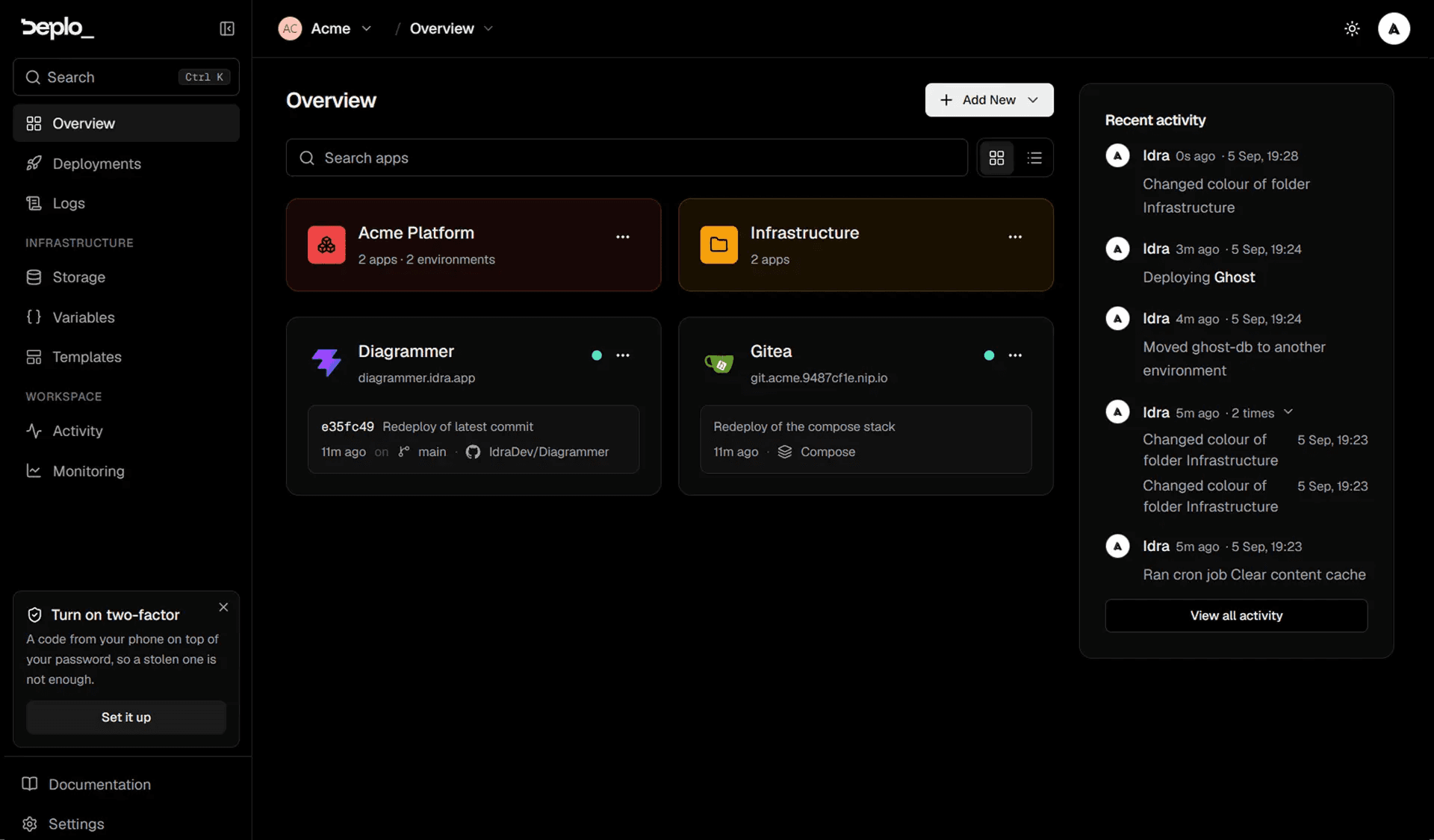
Your team works on the same apps without stepping on each other. Give each person exactly the access they need, like "can deploy, can't delete", and hand a freelancer or a client one project and nothing else. The activity timeline shows who did what and when, right in the dashboard.

Ask, and it's done. Connect Claude, Cursor or any assistant that supports MCP, and it can deploy, read the logs and roll back when you ask in plain words. It works with a key you create and can revoke at any time, and it can never do more than you can. Nothing connects until you create a key, and one switch turns it off for the whole team.

Answer three questions and pick a host, or install Deplo on a server you already have. It's free and open source, and leaving is as easy as arriving. What you do with the money you save is your business.
 Dokploy