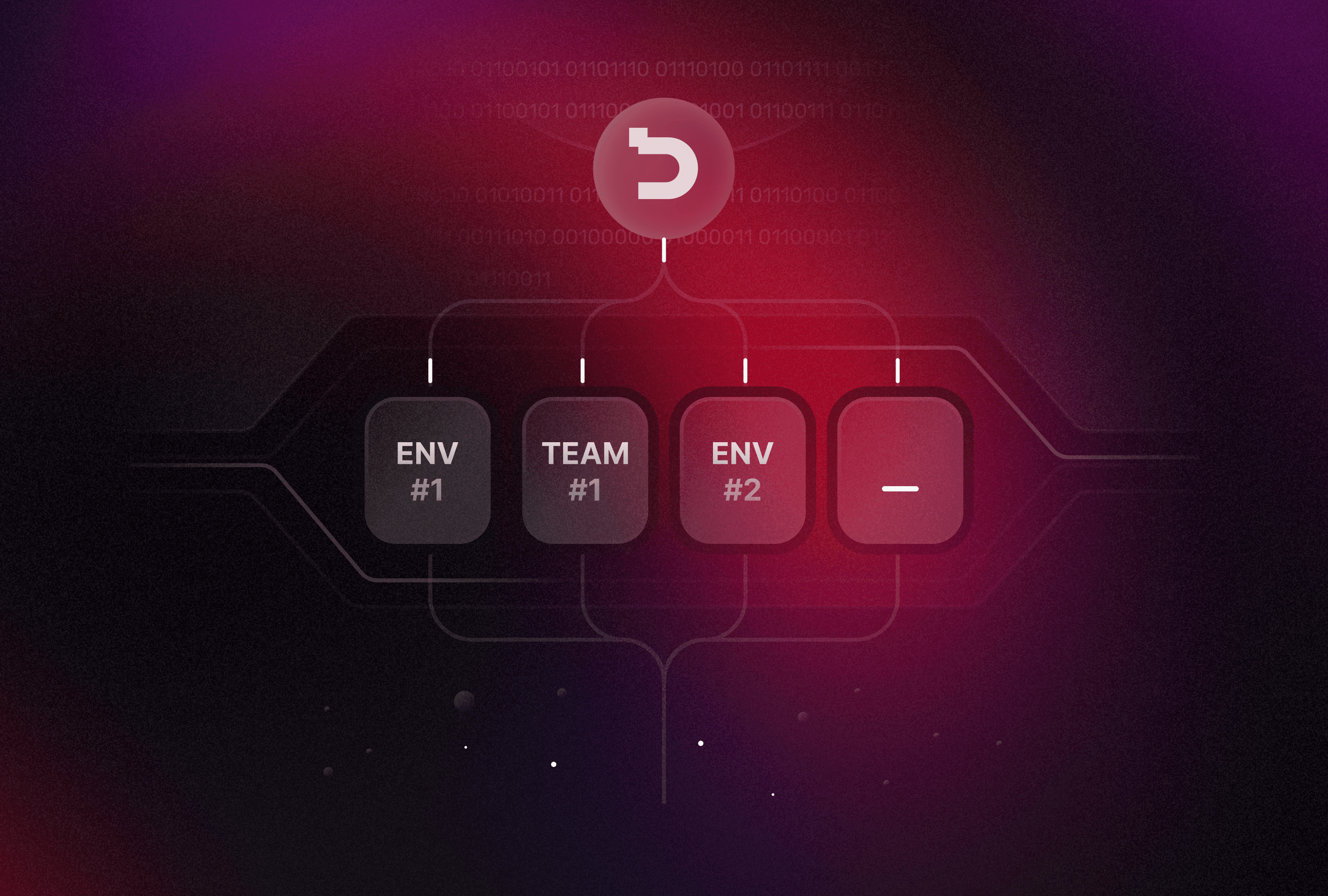
A deploy should never be the reason your site is down. Here is how Deplo moves traffic from the old container to the new one.
The sequence
- The new container starts next to the old one.
- Deplo calls its health check until it answers, or until the timeout runs out.
- Traefik starts sending requests to the new container.
- The old container finishes the requests it already has, then stops.
If step 2 fails, nothing else happens: the old version keeps serving and the deploy is marked as failed, with the logs of the container that did not start.
Writing a useful health check
A health check should answer quickly and fail when the app cannot do its job:
TypeScript
export async function GET() {
  const database = await db.query("select 1").then(() => true, () => false);
  return Response.json({ database }, { status: database ? 200 : 503 });
}
Settings worth knowing
- Path: the URL Deplo calls, such as
/api/health. - Interval and timeout: how often it asks and how long it waits.
- Retries: how many failures in a row before the new version is given up on.
Rolling back
Every successful deploy keeps its image. Rolling back starts the previous one with the same checks, so going back is as safe as going forward.