Deplo was built for a company sharing one instance, not for one person with one password. Here is how access works.
Teams
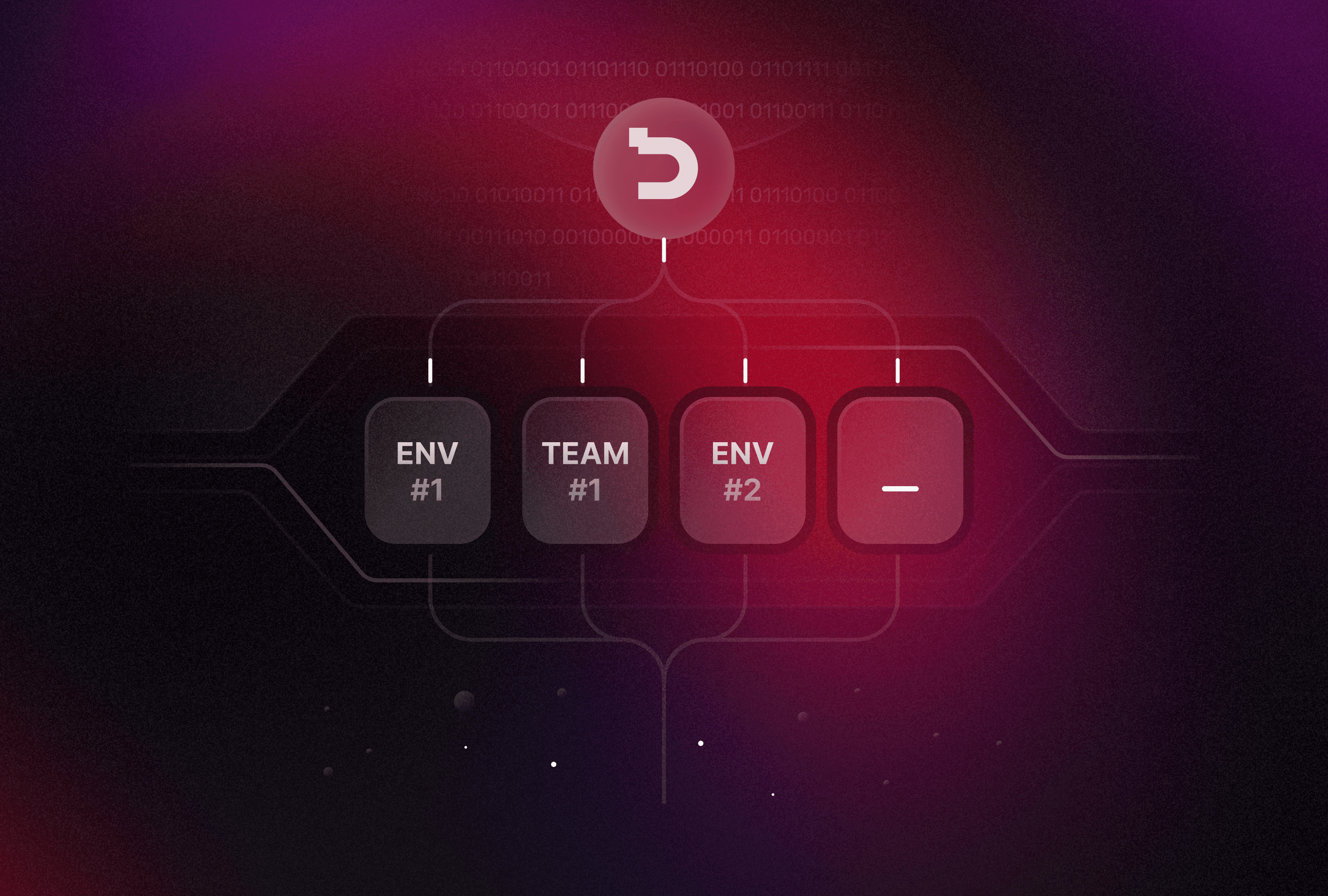
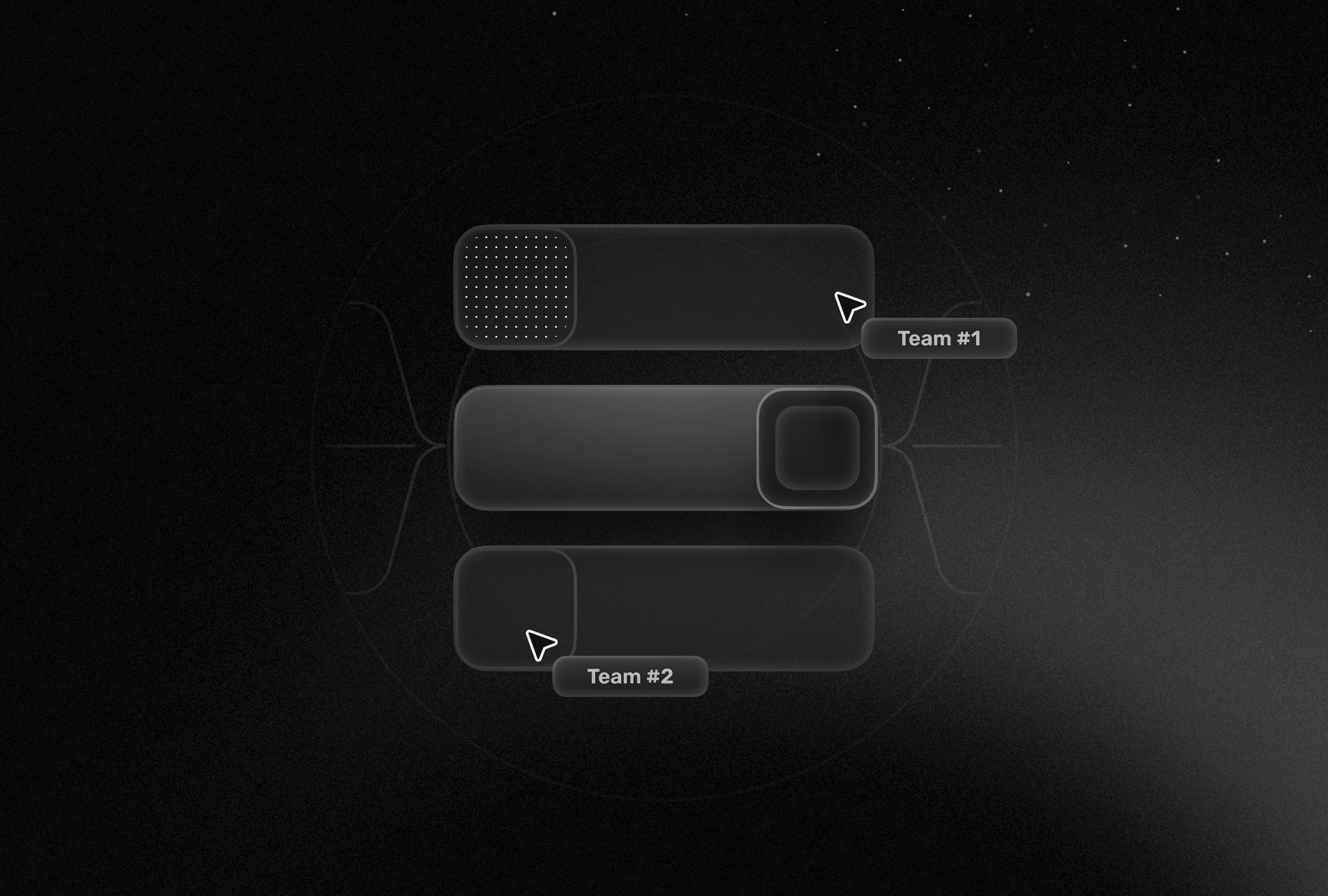
Everything belongs to a team: projects, apps, databases, variables. A person can be in more than one team and switches between them from the top bar.
Roles are made of capabilities
A role is a list of things a person may do, such as deploying an app, reading logs or editing variables. The built in roles cover the usual cases:
Role | Can deploy | Can edit variables | Can manage members |
|---|---|---|---|
Owner | Yes | Yes | Yes |
Admin | Yes | Yes | Yes |
Developer | Yes | Yes | No |
Viewer | No | No | No |
You can also write your own: a role that reads logs and restarts apps, and nothing else, is three clicks away.
Folders narrow it further
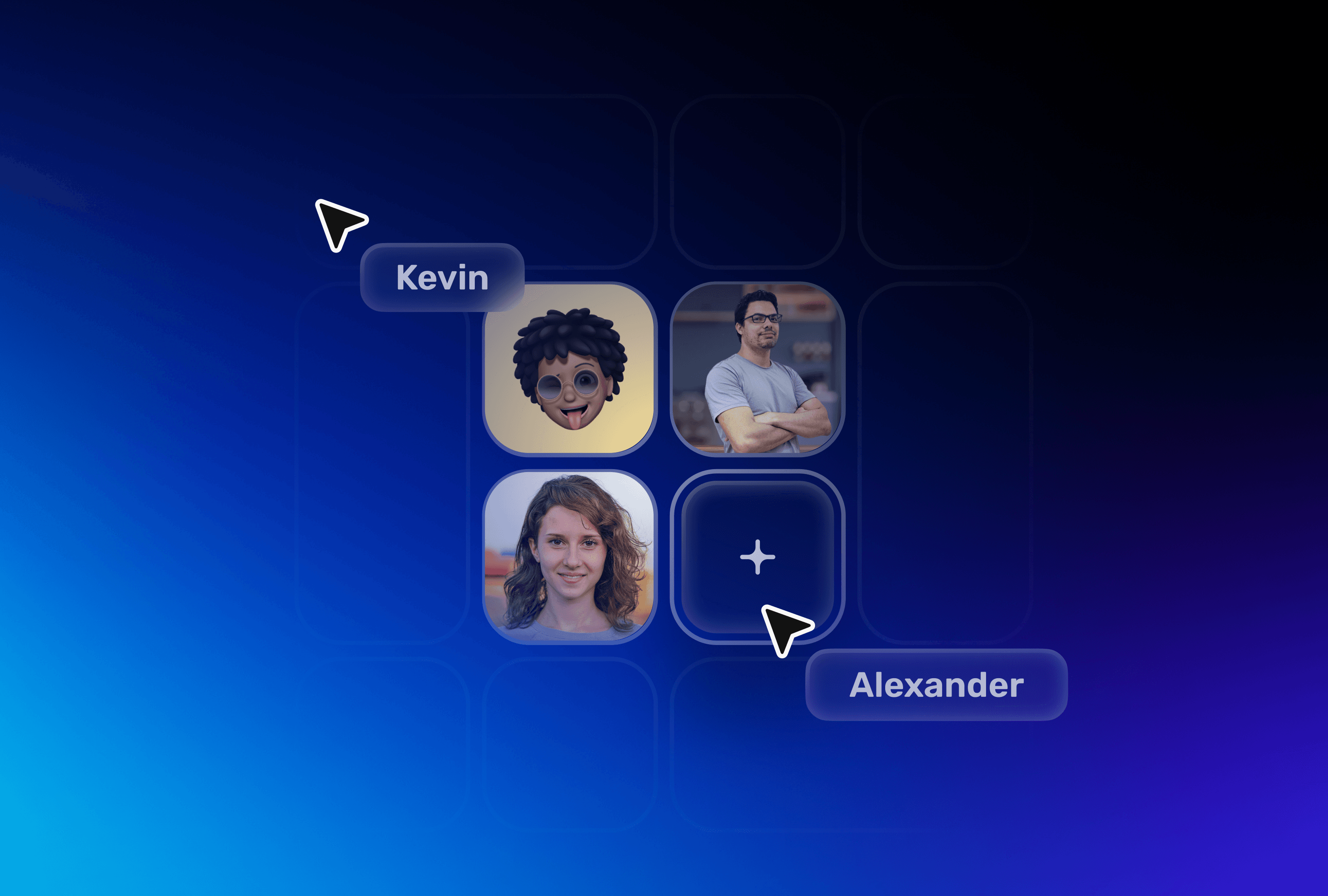
Group apps in folders and grant access per folder. A contractor can see the one app they work on and none of the others.
Every change leaves a trace
The activity log records who deployed, who changed a variable and who invited whom, with the time and the before and after. Secret values are never shown, not even there.