
Git connections
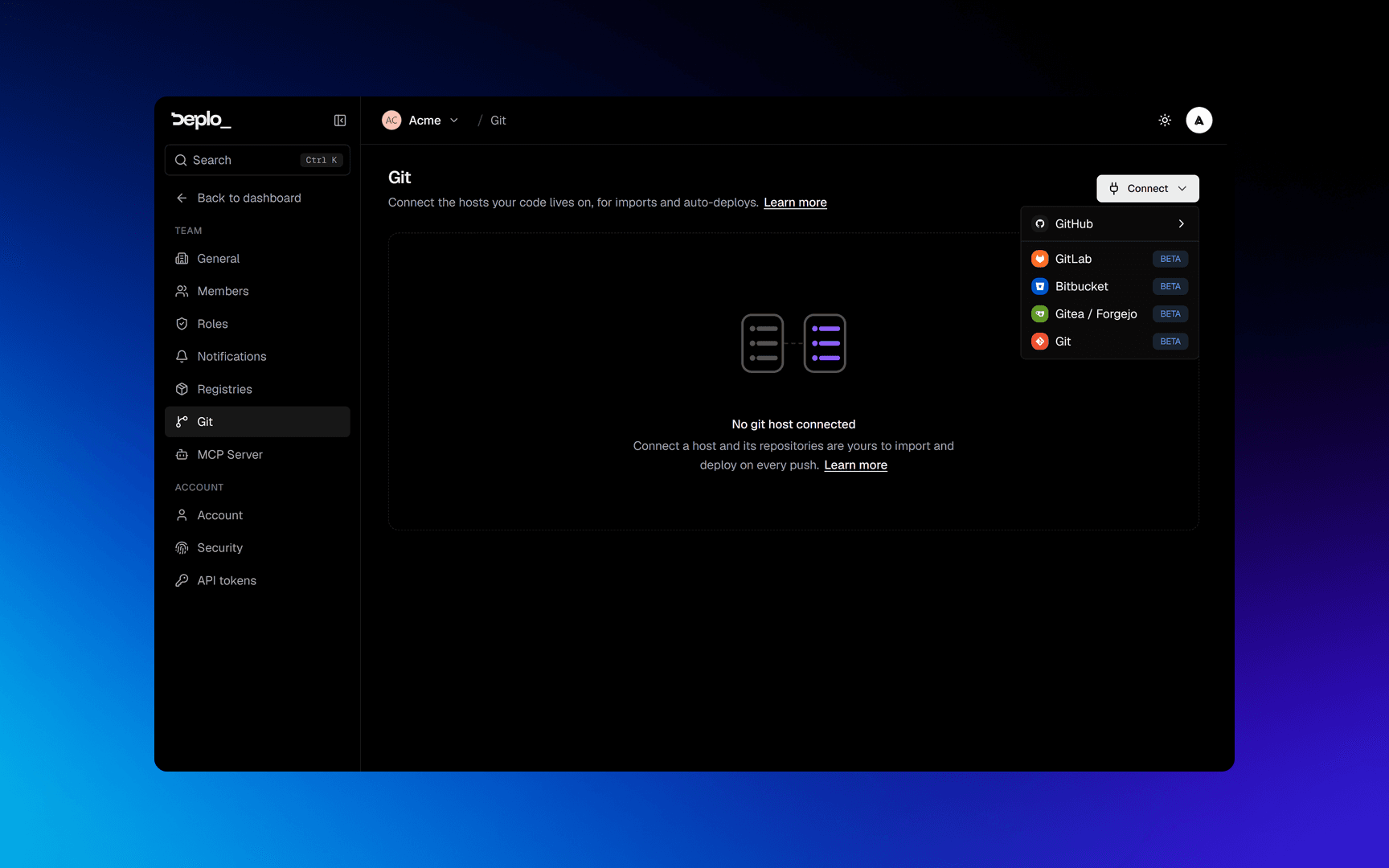
Connect a GitLab, Bitbucket or Gitea host, on their cloud or on your own instance.
A git connection is one stored token per host, reused by every app that deploys from it. GitLab, Bitbucket and Gitea (Forgejo included) connect this way, on their cloud or on your own instance, and are marked Beta. GitHub is different, see GitHub.
Connect it
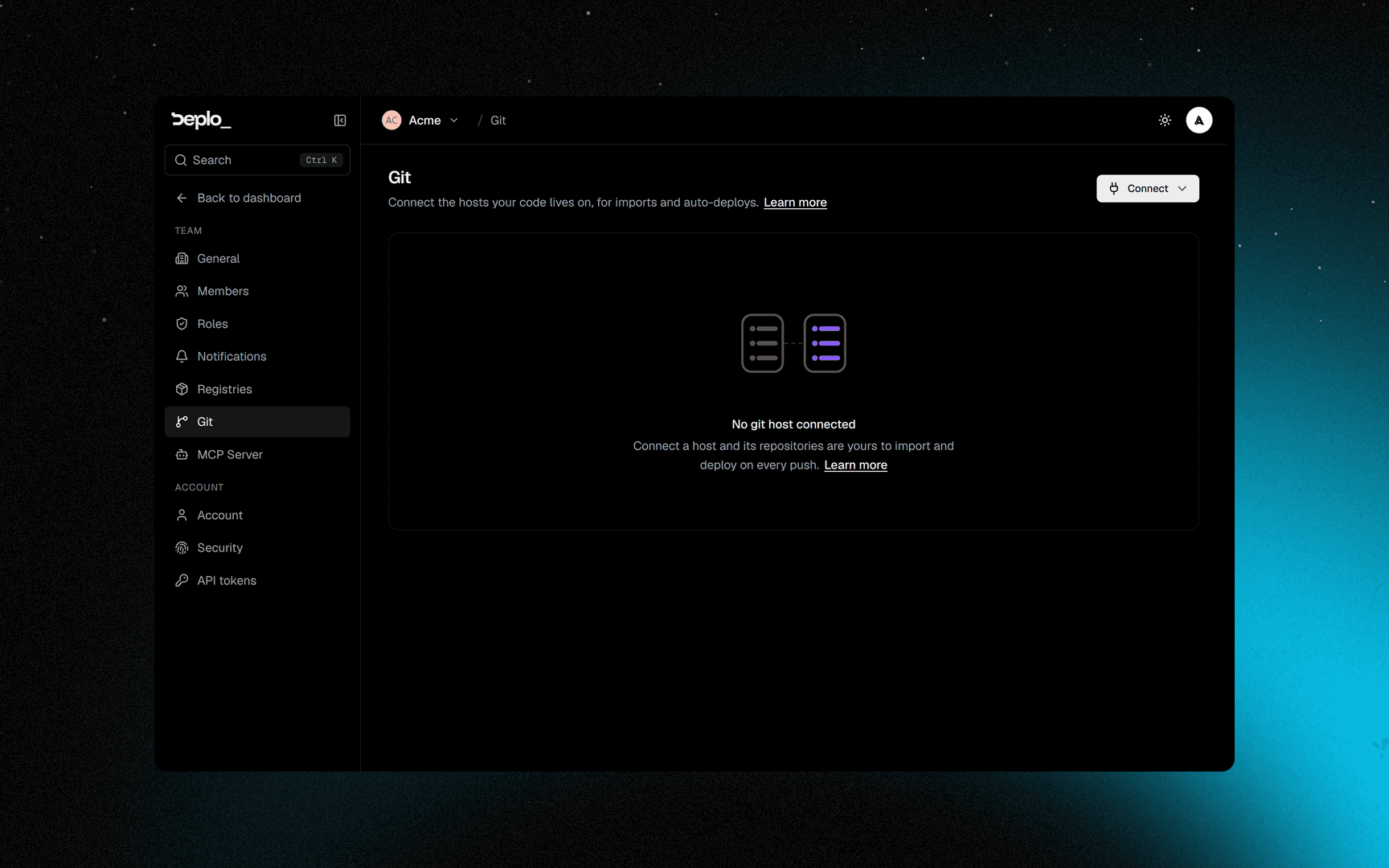
Pick the type and fill in the details
Pick the provider as the Type, then set the Address, Username and token:
- Address: leave the default for gitlab.com, or set your own instance's base URL.
- Username:
oauth2, exactly. Not your account name. - Token: a GitLab personal or project access token with repository read scope.
GitLab reports token expiry, so you are warned before a token breaks a deploy.
Test and save
Click Test connection, then Save.
Later, Replace the token swaps it without recreating anything. This connection stopped working appears when a background check finds the connection broken.
For an address on a private network, an instance admin can tick This git server is on my own network. Only an admin can do this, for security reasons.
What the token needs
Tick these when you create the token:
| Provider | On its token page | What it unlocks |
|---|---|---|
| GitLab | read_repository | Clone your code to build it |
| GitLab | api | List your projects and register the push webhook |
| Bitbucket | Repositories: Read | List and clone your repositories |
| Bitbucket | Webhooks: Read and write | Deploy automatically when you push |
| Gitea | read:repository | List and clone your repositories |
| Gitea | write:repository | Register the push webhook so a push deploys |
GitLab reports what a token covers, so Deplo shows This token is missing access on the connection's card. Bitbucket and Gitea do not, so Deplo shows this list only when the host refuses something.
Troubleshooting
Authentication failedin a clone: the token expired or was revoked. Test connection confirms it.- "This token is missing access": a scope in the table above is not ticked. Create a new token with it, then Replace the token.
- "Deplo could not add the push webhook": usually the same cause. The notice lists what the token needs, and shows the webhook address to paste by hand in the meantime.
- Saving the address is refused: it resolves to a private address. Only an instance admin can allow that.
Next steps
Did this page help you?