
The source most apps use. The repository is cloned by the agent on the server that builds it.
What you get depends on the provider:
| GitHub App | GitLab, Bitbucket, Gitea (beta) | A bare Git URL | |
|---|---|---|---|
| Repository picker | yes | yes | no, you paste the URL |
| Branch list | yes | yes | no, you type it |
| Deploy on push | yes, the App's own webhook | yes, a webhook per repository | no, use the deploy hook |
| Pull request previews | yes | no | no |
| Wizard prefill | yes | no | no |
| Credential | short-lived installation token | a personal access token you store once | the URL, or a stored token |
Deploy one
Start a new app
On the Overview, open Add new, then Application.
Pick the source
Pick the GitHub or Git tile.
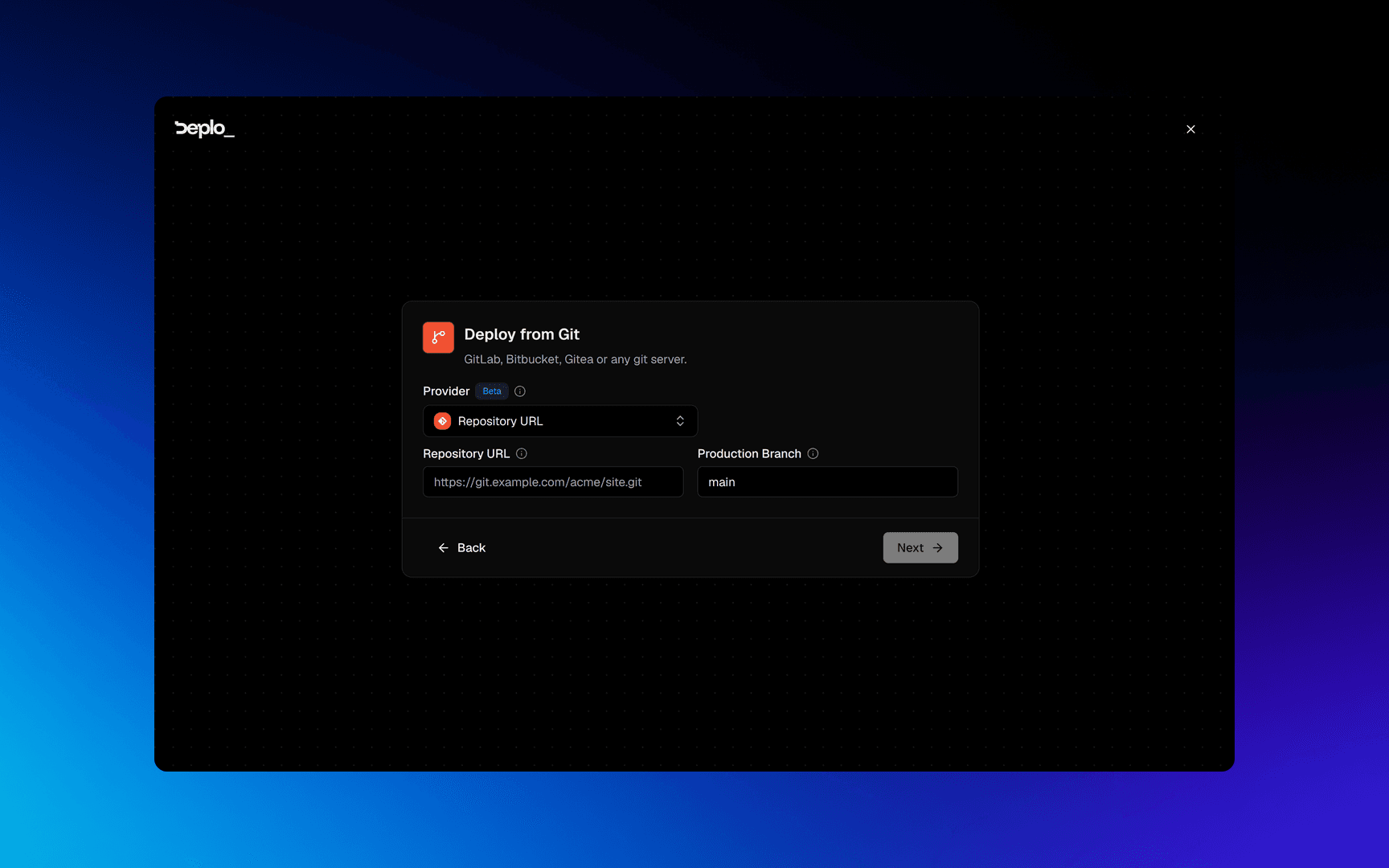
If nothing is connected yet, click Connect GitHub. Deplo creates the GitHub App for you, with nothing to copy and paste. Choose which repositories it can see, then pick the repository and the branch.
Check what Deplo read
GitHub only. The last card is already filled in: App name, the framework, and the
Build command from your package.json. The Deploy command follows the framework's
convention, not your start script. Reset empties a command and lets the builder decide.
A repository from the Git tab is not read ahead of time. Detection runs on the first build.
Deploy
Leave Automatic deployments on unless you want to release by hand. Click Deploy.
Change the source later
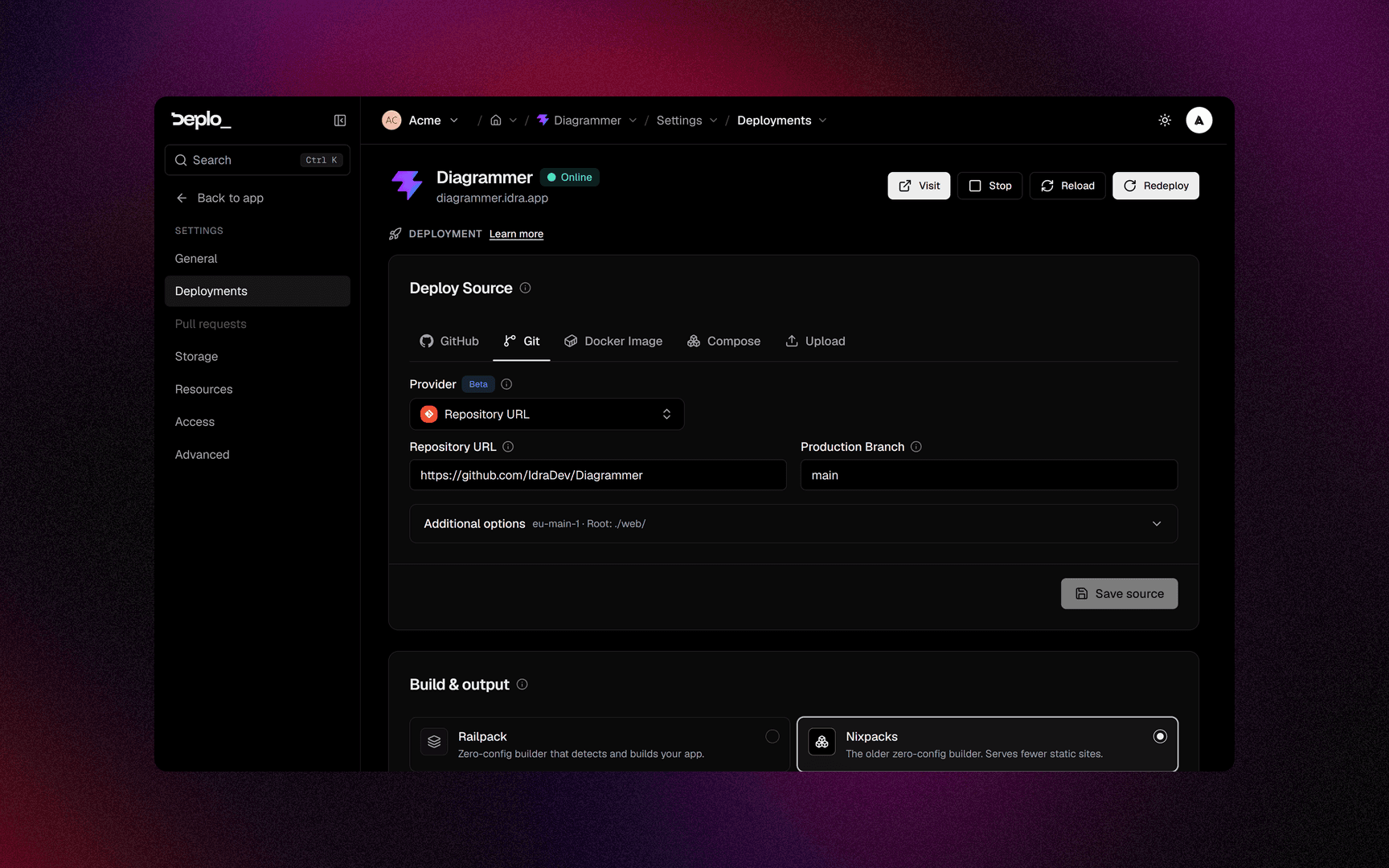
Settings -> Deployments, the Deploy Source card. You can change the repository, the branch and even the source type. The app keeps its domains, variables and volumes.
Prop
Type
Save source does not deploy. Click Redeploy when you are ready.
Private repositories
Credentials live on the connection, and every app using that host reuses them. See Git providers.
Good to know
- Only a GitHub App can have pull request previews.
- A bare Git URL cannot register a webhook. Use the deploy hook instead.
- Watch paths fail open. A push with no file list, like some tag pushes, always deploys.
- Two apps can track two branches of the same repository. A normal way to run staging.
- Changing the repository does not clear the volumes.
- With a build server set, the clone happens there.
Troubleshooting
| Symptom | What to check |
|---|---|
| The repository picker is empty | The GitHub App cannot see it. Use Manage connected apps and grant the repository on GitHub. |
Authentication failed in the clone step | The stored token expired or was revoked. Settings -> Git, then Test connection. |
| Pushes do not deploy | For a non-GitHub connection, check the webhook status on Settings -> Deployments. |
| The wizard's last card is empty | That is a Git-tab repository. Detection runs on the first build. |
More in Deploys and builds.
Next steps
Did this page help you?