
Pull request previews
Every open pull request gets its own running copy of the app, at its own URL.
Reviewers click a link instead of checking out a branch. A preview is a
separate stack, deplo-<slug>__pr-<n>, with its own containers, volumes and
files. It is removed when the pull request closes.
- A preview of your own branch inherits the app's environment variables. A preview of a fork inherits nothing. See the two rules about forks.
- The URL never changes for the same pull request, so the link posted on it keeps working after a rebuild.
| Hostname | TLS | |
|---|---|---|
| No preview domain, the default | blog-pr-42-3f9a1c-cb00710a.deplo.site | Plain HTTP. A deplo.site name cannot hold a certificate |
| A preview domain set | blog-pr-42.preview.example.com | A Let's Encrypt certificate per preview |
A preview is not an app and not an environment. It has no domains of its own, and no console, backups or monitoring.
Turn it on
Only an app deploying from a connected GitHub App can have previews. For other sources the settings are visible but disabled, with the reason shown.
Open pull request settings
Open Settings -> Pull requests.
Turn on previews
Turn on Deploy pull requests. This saves immediately.
Use the tab
A Pull requests tab appears on the app.
Settings
Prop
Type
The fields you do not need at the start are under Advanced.
Day to day
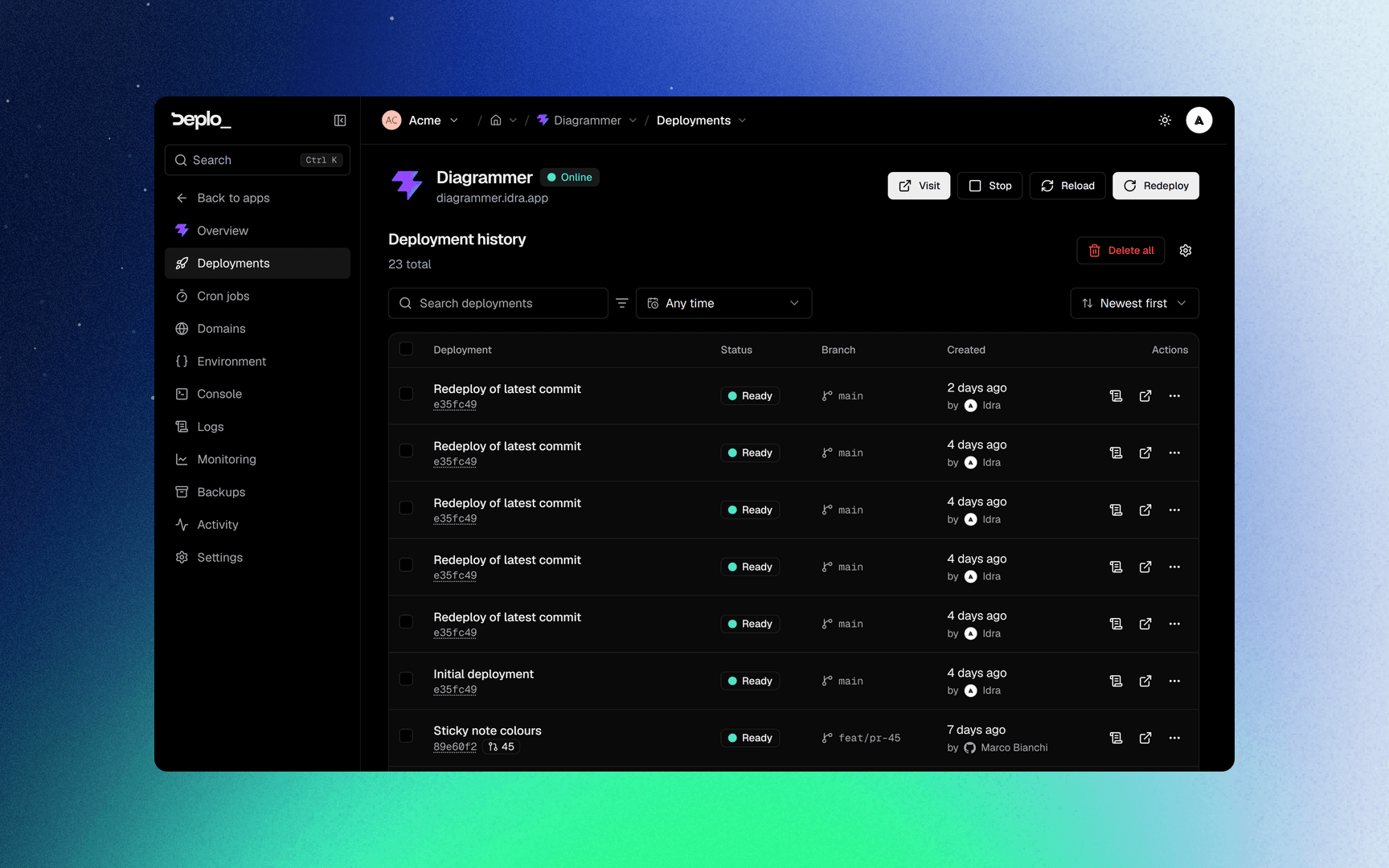
The Pull requests tab lists every preview, with Redeploy, Destroy preview and Open pull request on each row. New preview deploys one on demand.
A preview from a fork shows Needs approval until somebody with
manage_previews reviews it.
The list updates on its own:
- A title edit updates the row without building.
- Changing the target branch of the pull request removes its preview.
- A closed pull request keeps its row for a week, then disappears.
- The comment on the pull request always shows the current state: Building, Ready, Stopped, Waiting for approval, Torn down.
The two rules about forks
- A fork preview inherits no variables at all. Not the app's own, not a
shared variable, not an instance-wide one. It gets only its plain preview
overrides and the
DEPLO_PREVIEWvariables; a secret override is dropped too. This is for security reasons: the code comes from outside your team. An app that needs a database URL to start needs one set as a plain preview override. - A fork preview waits for a human, unless Fork pull requests is set to build them automatically.
Over the limit
At the maximum, a new preview stops the one with the oldest activity. The stopped row stays, grey, with the same hostname, and the pull request comment says Stopped. Only Redeploy brings it back, never a push.
Limits and gotchas
- Turning previews off destroys every live preview immediately.
- Moving the app to another server stops its previews unless they have a server of their own. Redeploy brings each one back.
- Previews share the app's database unless you point them elsewhere. Set a preview override on the connection string before a test run writes to production.
- A preview domain belongs to one team. Another team cannot claim a parent or a child of it.
- Previews use real resources. Ten open pull requests are ten running stacks. Use Live previews to cap them.
If it does not work
- The Pull requests tab never appears: the app does not deploy from a GitHub App, or the switch is off.
- Deplo is missing access on GitHub: the GitHub App lacks the pull request permission. Use Update on GitHub on that notice.
- The preview URL shows a certificate warning: it is on
deplo.site, which cannot have one. Set a preview domain. - A fork preview never deploys: it is waiting for approval, or forks are disabled.
See Deploys and builds for more.
Next steps
Did this page help you?