
Deploy
Five ways to get code onto Deplo, plus ready-made templates.
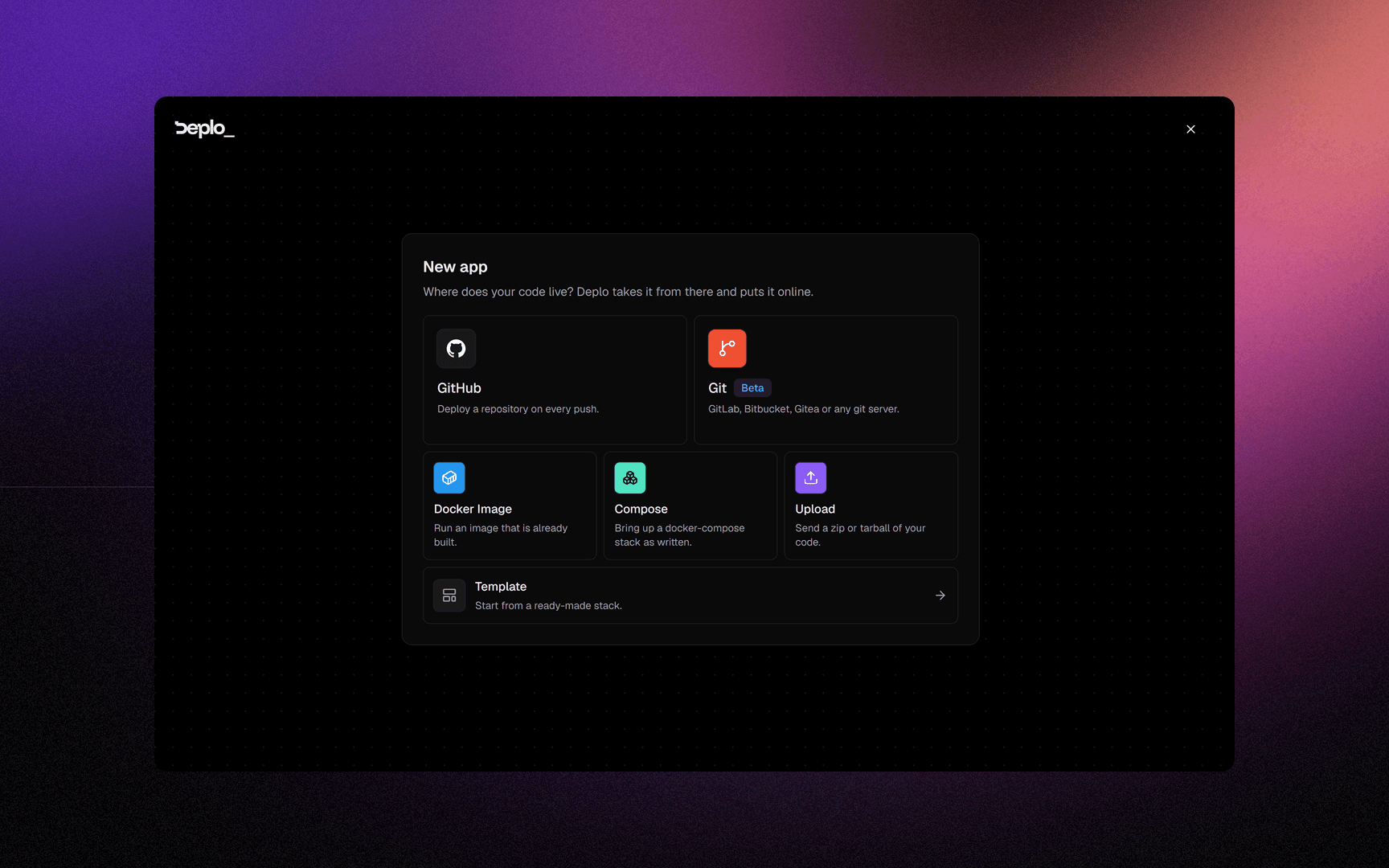
Every app starts from one of five sources. Pick the one that matches what you have, or start from a template.
| Source | What it needs | Builds an image | Rollback |
|---|---|---|---|
| GitHub | A repository, connected once per team | yes | yes |
| Git (beta) | GitLab, Bitbucket, Gitea or any git server | yes | yes |
| Docker image | An image reference | no, already built | no |
| Upload | A compressed archive of the project | yes | yes |
| Compose | A docker-compose.yml, started as written | no | no |
Or start from a template
A template is a Compose stack from the catalogue, with passwords generated and the address picked for you. Deplo creates a normal Compose app from it.
Open the catalogue from Templates in the sidebar, or from the Template button under the five tiles in the new-app wizard.
In this section
Deploy from Git - point an app at a repository, on GitHub or anywhere else. Learn more ->
Deploy a Docker image - run something that is already built. Learn more ->
Deploy from a template - one click, preconfigured, from the catalogue. Learn more ->
Upload your code - deploy an archive, with no repository at all. Learn more ->
Compose apps - start a docker-compose.yml as written.
Learn more ->
Did this page help you?