
App hierarchy
What an App, a Folder, a Project and an Environment are, and when to use each.
An App is the thing that runs. A Folder groups apps. A Project is a folder with environments. An Environment is one isolated copy of a project's apps. None of this is required: a flat list of apps with no folders is a normal setup.
App
The unit you deploy: a repository, an image, an archive or a Compose file, run as a Docker stack
named deplo-<slug> behind Traefik. An App owns its source, build settings, domains, variables,
volumes and deployment history. It lives in one place only: the team's top level, a Folder, or
one Environment of one Project.
The slug is generated from the name at creation and never changes. It is used in the stack
name, the volume names (deplo-<slug>-<volume>) and the generated hostname. The display name
can change.
In Compose, a "service" is one container inside a stack. It is not an App.
App status is intent, not observation
The status shows the last thing Deplo was asked to do: queued, building, active,
error, stopping, idle or restoring. Stopped in the interface is the idle value.
Two things to keep in mind:
errormeans the last deploy failed, not that the app is down. The previous version keeps running.- The interface adds live information on top. An
activeapp with restarting containers shows as restarting, degraded, unhealthy or down.
Folder
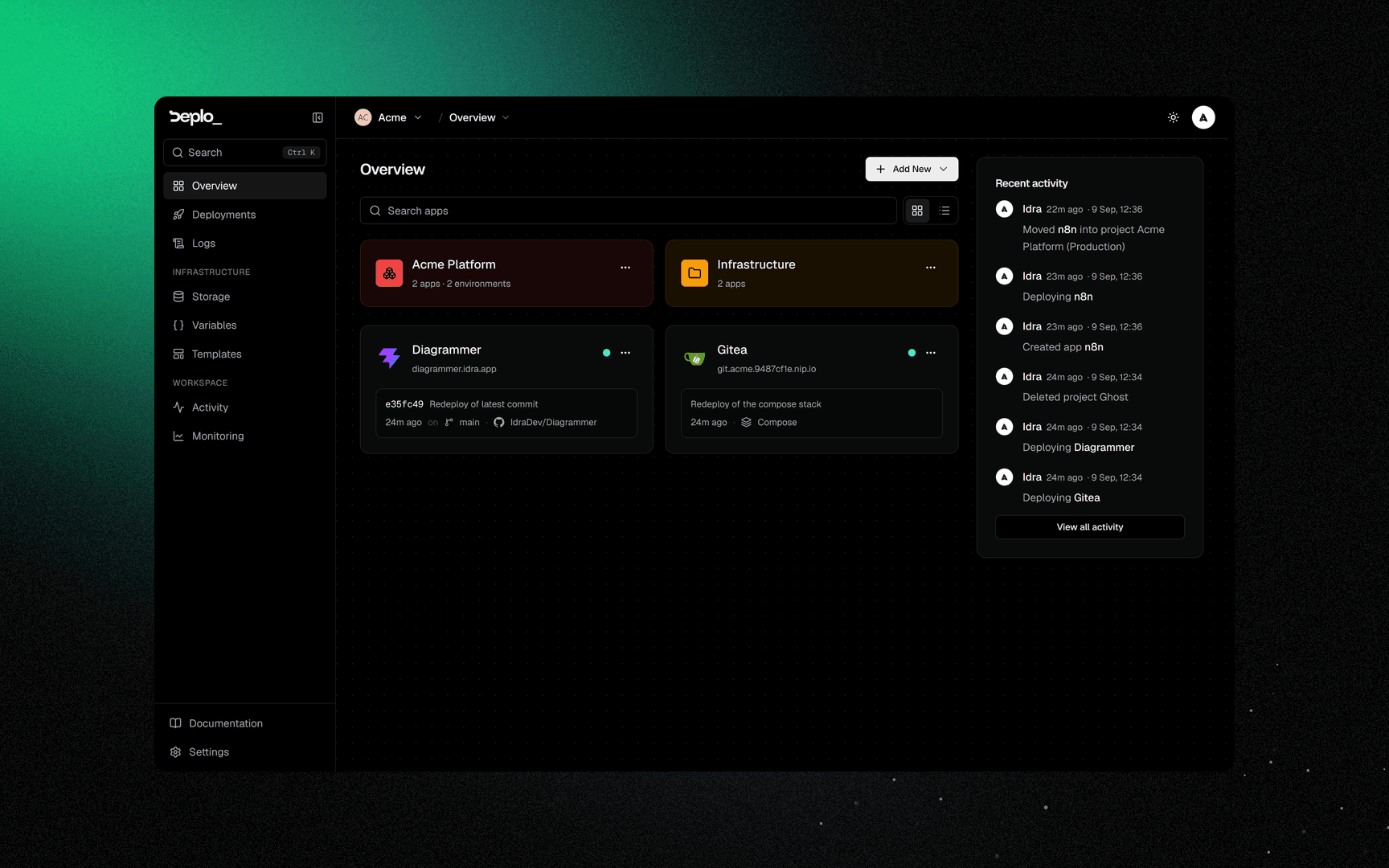
A team-wide group with a name, a colour and an owner. Folders can nest.
Folders are also how you delegate access. The folder owner, or an admin, can share it with a member and give them permissions inside that folder only. Those permissions can be larger than the member's team role. This is how one person can manage Production and nothing else.
Project
A Project is a folder whose apps are split per environment. It has an owner, a colour and an order like a folder, plus Environments, each with its own apps and shared variables.
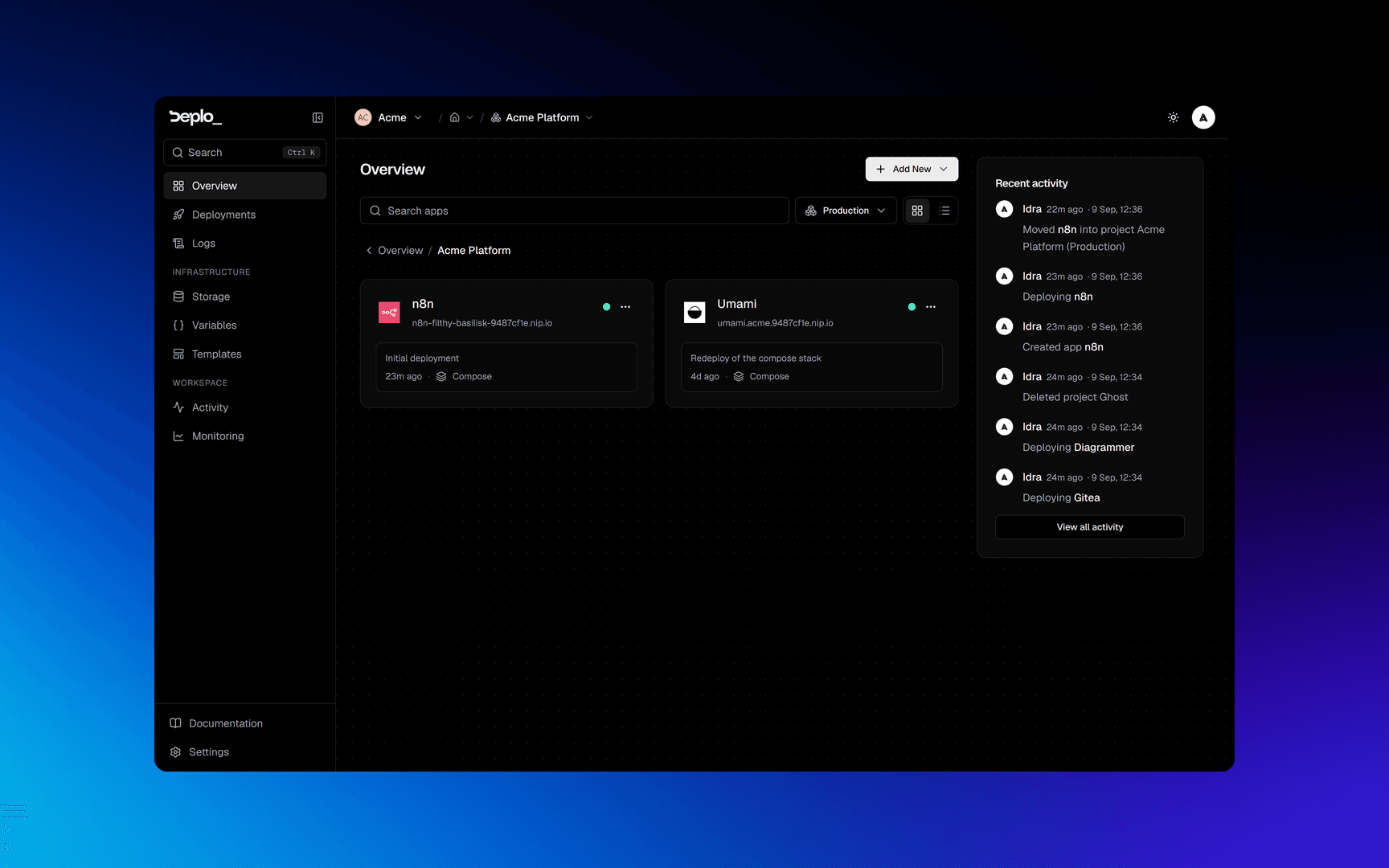
Two rules:
- A Project never nests inside another Project, and Folders never live inside a Project.
- A Project has no page of its own. You browse it on the Overview:
/?project=<id>&env=<envId>. Old/projects/<slug>links redirect there.
Environment
An isolated deploy target inside a Project: its own containers, URLs, git branch and variables. A
new Project starts with Development, Preview and Production, all renamable. You can
add up to ten per project. A name like pr-<n> is reserved for pull request previews.
An Environment is a network boundary. Apps and managed databases in the same Environment, on the same server, reach each other by name. Nothing else can reach them: not other environments, not other projects, not other teams. Apps outside any project use their team's network instead. See Network isolation.
An Environment is also one of the three scopes of a shared variable. A variable scoped to an environment is suggested to the apps there, and each app still links it on purpose.
Which one do I want
| Situation | Use |
|---|---|
| A handful of apps, one of everything | Nothing. Leave them at the top level. |
| "These six apps belong to the marketing site" | A Folder |
| "Sara should manage those six and nothing else" | A Folder, shared with her |
| "I want staging and production of the same three apps" | A Project with two Environments |
| "Every pull request should get its own copy" | Not this. Use pull request previews |
A pull request preview is neither an App nor an Environment. It has no domains, console, backups or monitoring. It is a temporary stack that disappears when the pull request closes.
Good to know
- You can move an app between teams, but not its folder. Folders, projects and shared variables stay in the source team. Variables, domains, deployments, volumes and basic-auth users move with the app.
- An app belongs to at most one Project. Putting it in an environment takes it out of a folder, and the other way round.
- Deleting a folder does not delete its apps unless you choose so in the confirmation. Deleting an app is always final.
- Deleting an app does not delete a server folder it was bound to. Its own volumes and files go. A Bind belongs to the server and stays.
Next steps
Did this page help you?