
Run an image that is already built, from Docker Hub, GitHub Container Registry, or any registry
you can reach. There is no build step: you give a reference such as nginx:1.27-alpine or
ghcr.io/acme/api:v2.3.1, and the agent pulls and starts it.
Use it for software you did not write, like a database viewer, a metrics dashboard or a game server, and for images your own CI already builds.
Because nothing is built, there is no build log, no build cache, no build server, and no rollback. Changing the tag is your version control.
Deploy one
Start a new app
Add new, then Application.
Pick the image
Pick the Docker Image tile and type the image reference. The name field autocompletes from Docker Hub, and tags are checked against any registry credentials you added. The App name is filled in from the image.
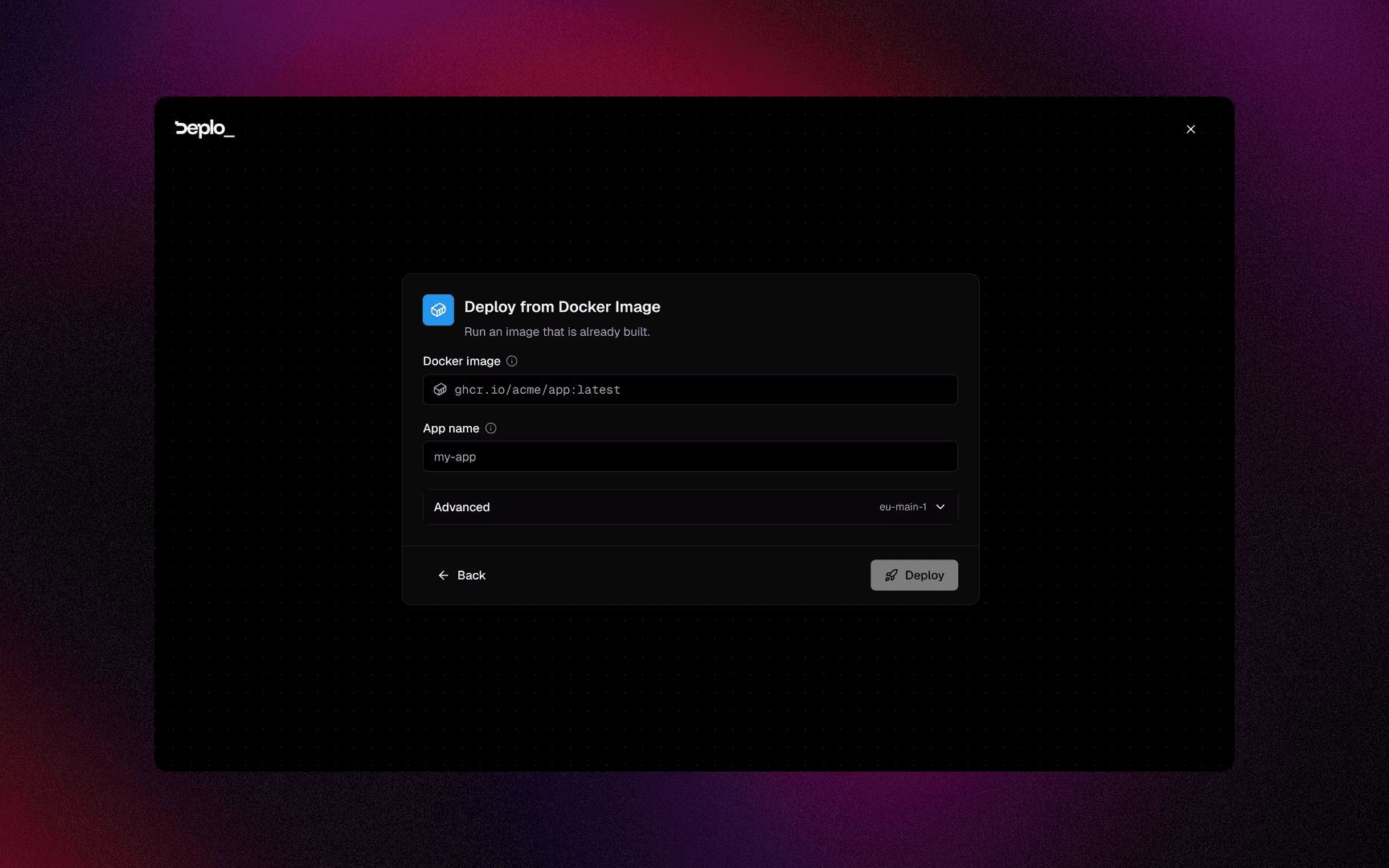
Deploy
There are no build settings for an image app. The server is under Advanced, already picked. Click Deploy.
The port
Deplo reads the port from the image. Most images declare one with EXPOSE: nginx and
traefik/whoami use 80, redis uses 6379. An image that declares several ports, or none, gets
3000.
Before the first deploy, the port is under Advanced -> Port in the wizard. After that, it lives on each hostname in the app's Domains tab, in the Application port field. Changing it applies in seconds without a redeploy. This is also how one image serves two hostnames on two different ports.
Private registries
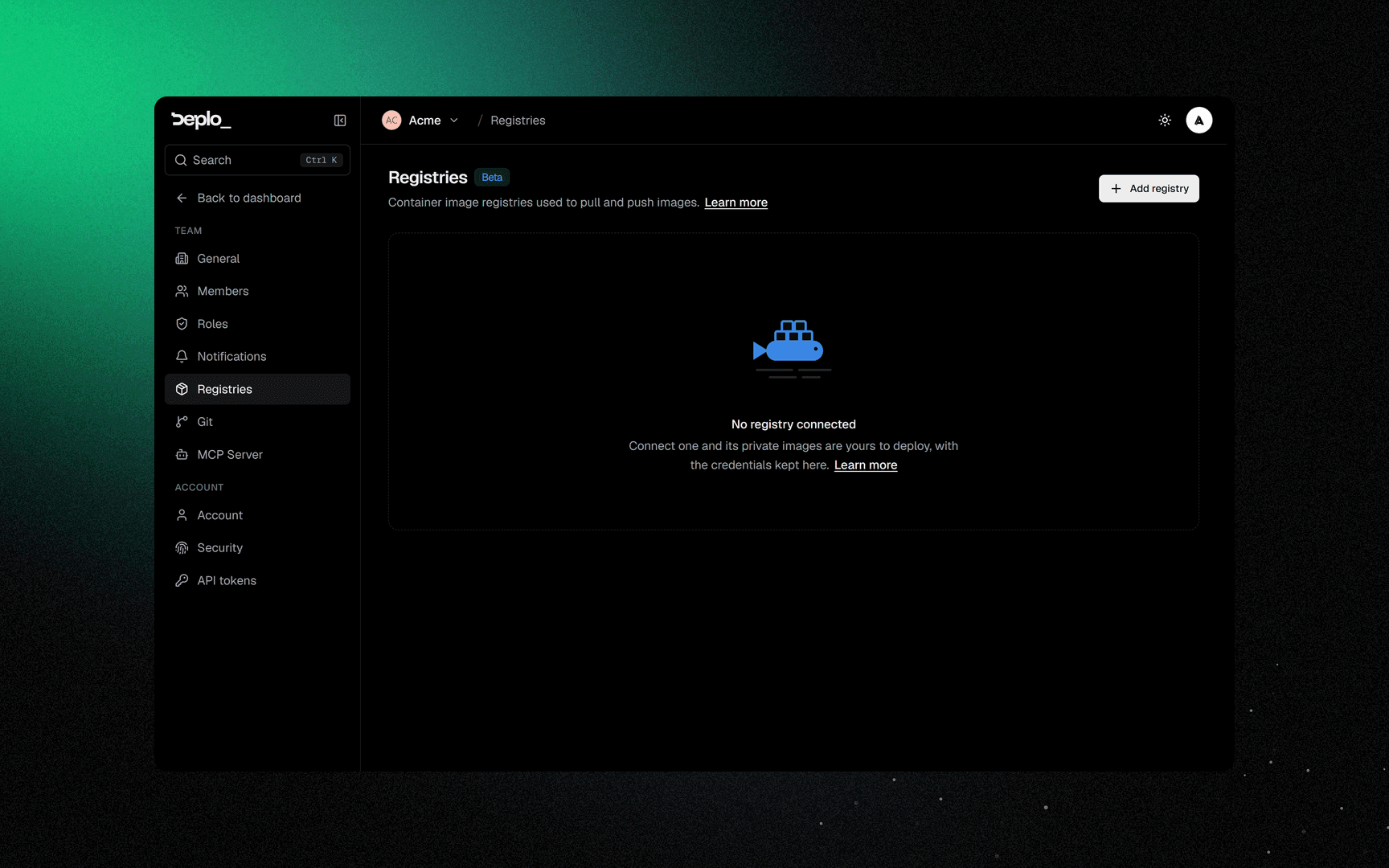
Add credentials once in Settings -> Registries and every app on the team can pull from that registry. The password is encrypted and never returned. See Container registries.
Settings that matter for an image app
| Setting | Where | Note |
|---|---|---|
| Image reference | Settings -> Deployments | Change it and redeploy to change version |
| Port | Domains, per hostname | An image app has no build settings card |
| Environment variables | Environment | The normal way to configure this kind of software |
| Volumes | Settings -> Storage | You must type the full mount path |
| Resource limits | Settings -> Resources | Useful for software you did not write |
Good to know
- No rollback. Pin a specific tag or a digest instead of
latestif you want to go back to a known version. latestdoes not re-pull by itself. Redeploying pulls again. Nothing watches the registry for you.- The mount path is not guessed. For a prebuilt image you type the full path, like
/app/uploads. - Multi-container software needs Compose. If the vendor ships a
docker-compose.yml, use Compose apps or look in Templates.
Troubleshooting
| Symptom | What to check |
|---|---|
pull access denied | The image is private and no registry credential matches its host. Add one in Settings -> Registries. |
| The container starts and exits immediately | It usually needs a variable or a volume. Read the Logs. |
| The URL answers 502 | Wrong port. Deplo could not read one from the image and used 3000. Set Application port on the domain. |
More in Deploys and builds.
Next steps
Did this page help you?