
What your containers are printing, live, plus the output of every build. No
docker logs, no SSH.
Runtime logs are streamed from the agent when you open the page. Build logs are saved, so they survive a page reload and a control plane restart. They are capped at 20,000 lines of 4,000 characters each.
Where to look
| Surface | What is there |
|---|---|
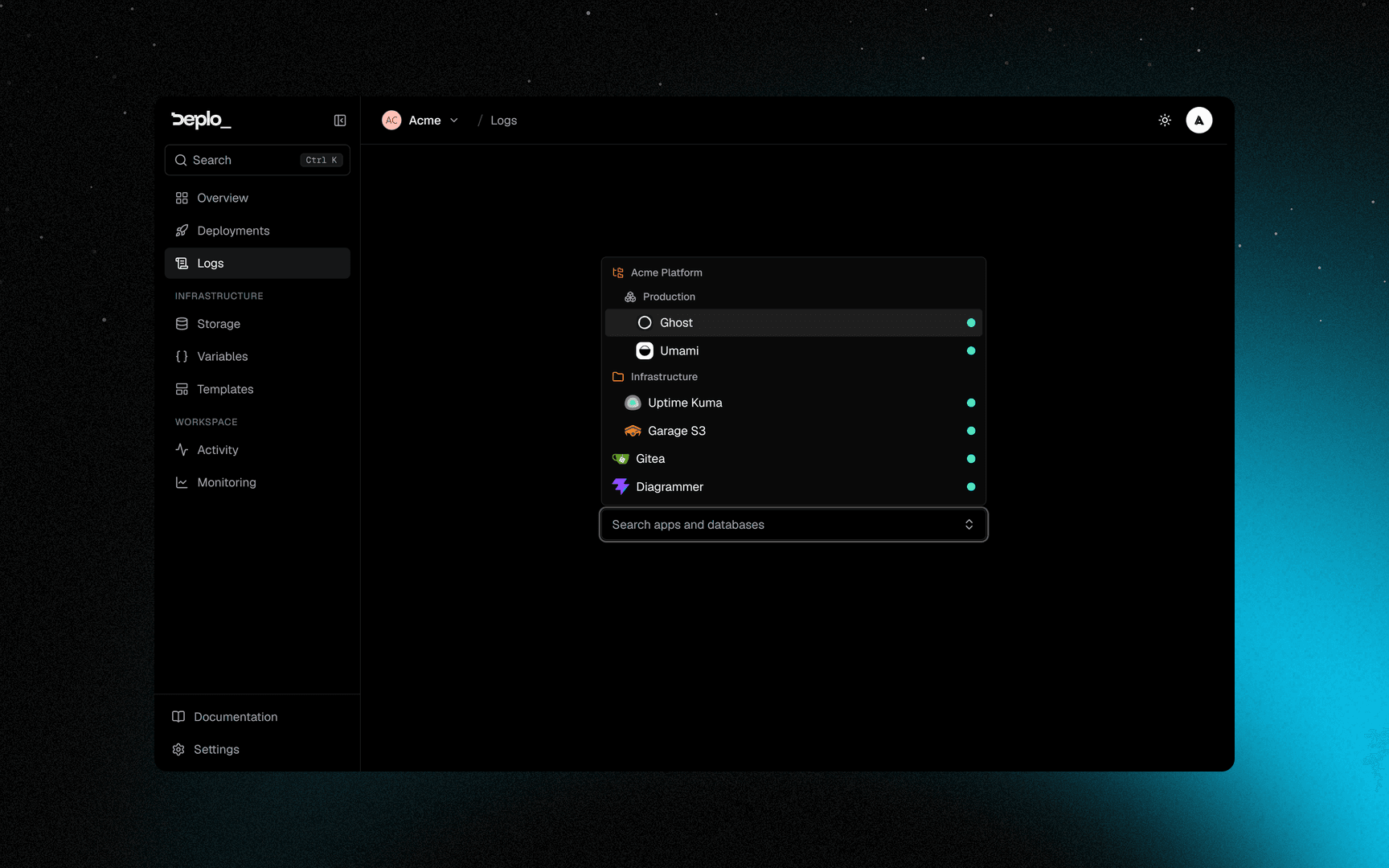
| Logs in the sidebar | A picker of every app and database you can read, arranged like the Overview. It remembers your last choice |
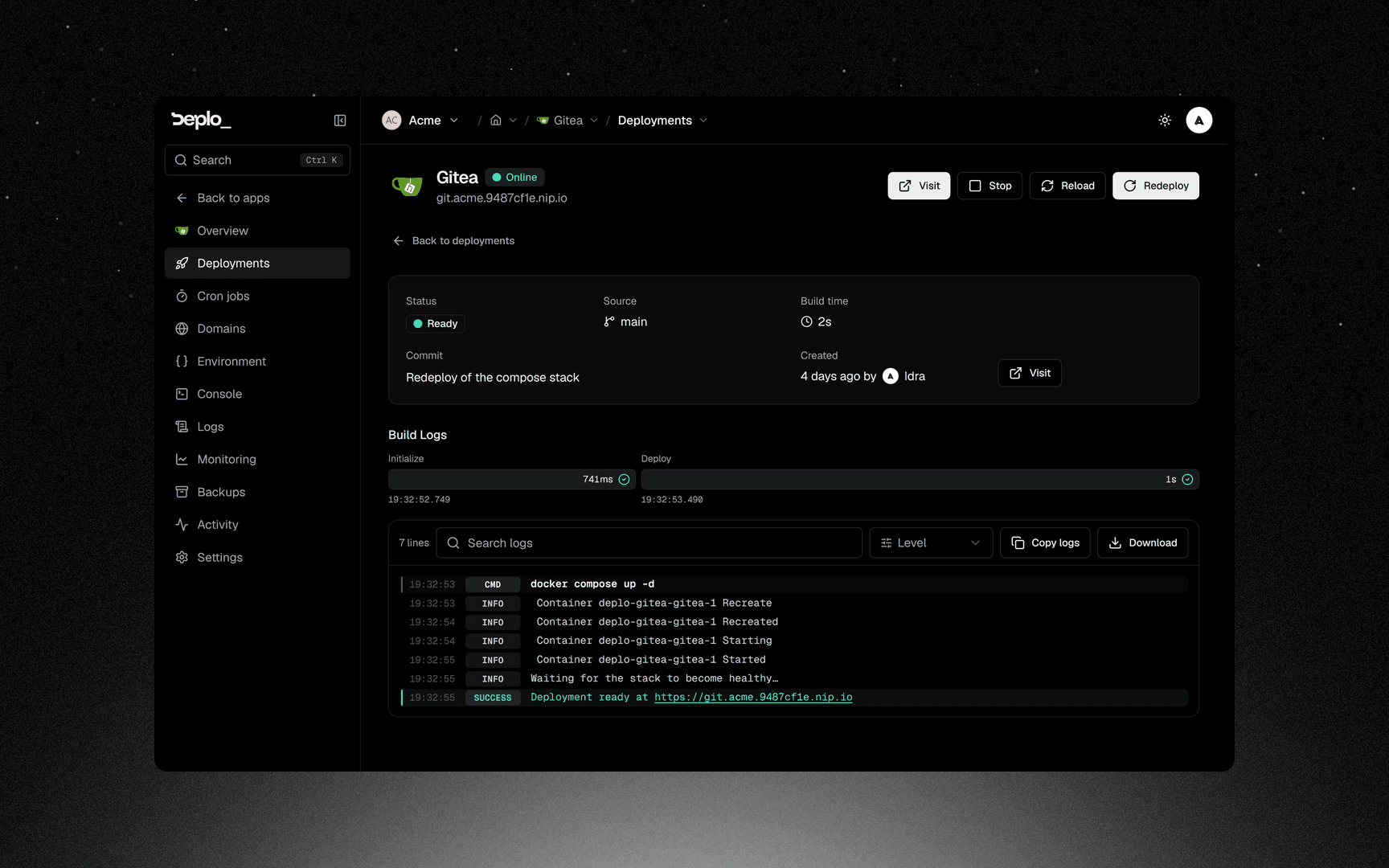
| An app's Logs tab | That app's runtime output only. View build logs links to the last deployment |
| A deployment's page | The build output for that one build |
| A database's Logs tab | The engine's output |
The pane
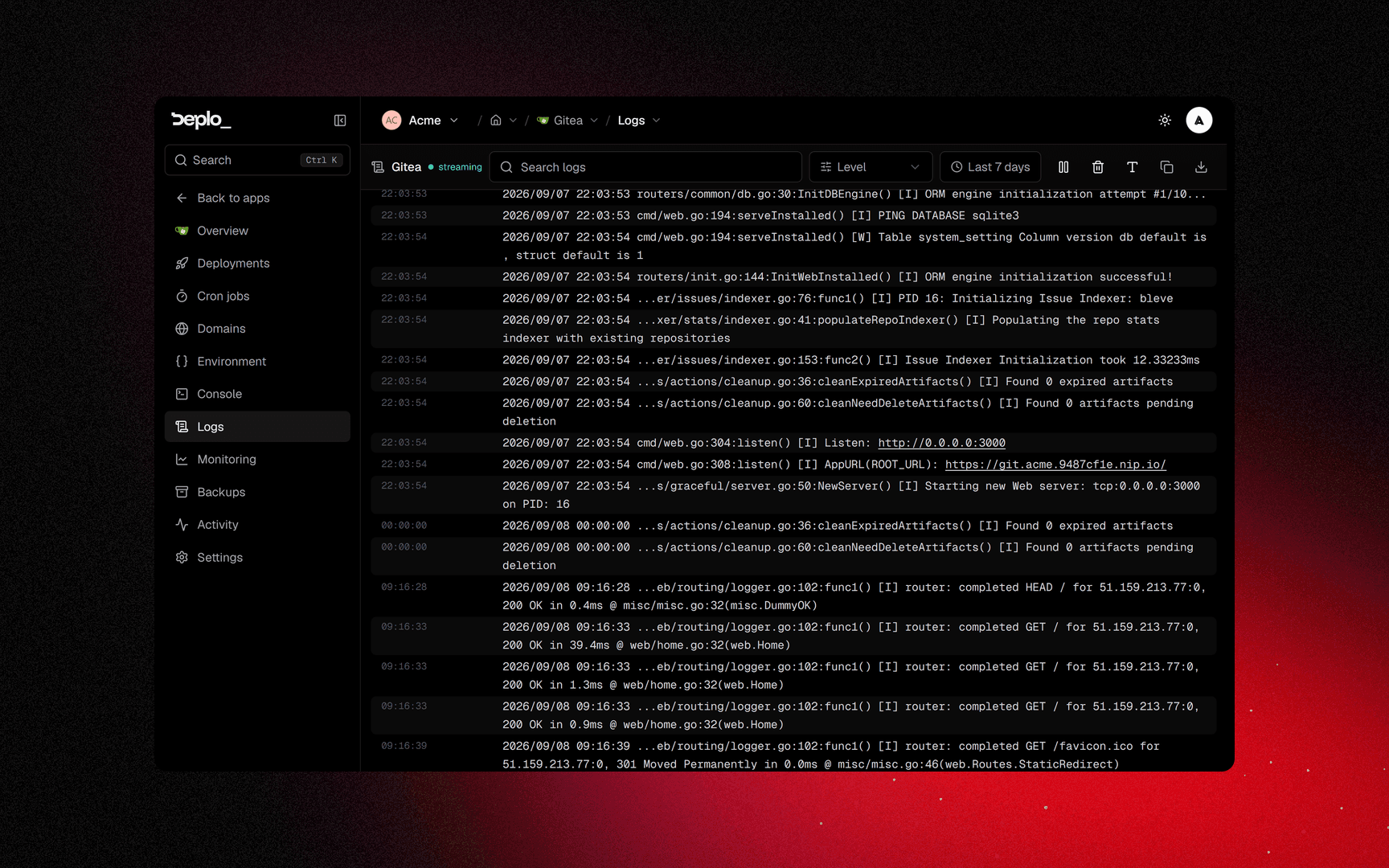
The stream's state is shown as a chip: connecting, streaming,
reattaching, ended or failed. The pause button freezes auto-scroll,
not the stream.
| Control | What it does |
|---|---|
| Level | Filter to errors, warnings and so on, or All levels |
| Search logs | Filter to lines containing text |
| Time range | 30 minutes, 1 hour, a day, or 7 days (the default). Show timestamps and the Format switch are inside this popover |
| Container | Which container of the stack you are watching. Shown only when the stack has more than one |
| Pause | Stops auto-scrolling so you can read. New lines keep arriving |
| Clear, Copy, Download | Empty the pane, copy it, or save it as <container>.log |
| Reconnect | Reopen a stream that ended |
| Display | Wrapping, and the pane's height |
Deplo detects a level for each runtime line (info, warn, error, debug
and success) and colours it, so the level filter works with any software.
Build logs add a sixth level, command.
Above the pane, notices explain what the stream cannot: a restart loop, a failing healthcheck, a missing container, or "3 of 5 up".
Retention
The instance sets how far back the time range can go: Settings -> Deplo -> Advanced, the Logs card, field Maximum range. Default 7 days, minimum 1, maximum 90. Instance admins only.
Raising it does not make the host keep more. Docker rotates log files by size, not by age. For long retention, send logs to a tool built for it.
Restart loop protection
A container that crashes on startup restarts forever, burning the server's CPU and filling its disk with logs. Deplo watches for that and stops it.
After 10 restarts in 30 minutes, Deplo stops the container and the Logs page says so, with a Start button to bring it back once you have fixed it. The app's status turns red, an App keeps restarting alert goes out, and the stop is recorded in Activity.
Only what is looping stops. In a Compose stack with several services, the other services keep serving.
A deploy resets the count. Restarts spread further apart than the window never add up, so an app that crashes once in a while is never stopped.
To let a container keep crashing instead, turn Restart loop protection off: Settings -> Advanced on the app, or on the database. It takes effect at once; there is nothing to redeploy.
Good to know
- This is not a log search engine. It is a live tail with filters, for "what is it doing right now" and "why did that build fail".
- A crash loop still streams. You see each attempt's output as the container restarts.
view_logsis its own capability, and it can be granted per folder. An app you cannot read logs for shows a closed state, not an empty pane.- Build logs for a build server belong to the app. You read them in the same place.
Troubleshooting
| Symptom | What to check |
|---|---|
| Empty pane, app running | The app writes to a file instead of stdout. Container logs only capture stdout and stderr. |
| No logs yet, with a link to the build | There is no container: the app has never deployed, or the stack is gone. The build output is on the deployment's page. |
| Not running notice | The container exists but is stopped. Start it, or read the last build. |
| Stopped notice, after repeated crashes | Restart loop protection stopped it. Fix what the logs show, then press Start. |
The chip reads ended | The container was recreated. Press Reconnect. |
| You want build output on the Logs tab | It is not there. Use View build logs, or open the deployment. |
More in Deploys and builds.
Next steps
Did this page help you?