
The console lets you look inside a running container. It goes through the agent on the server and is not required to use Deplo.
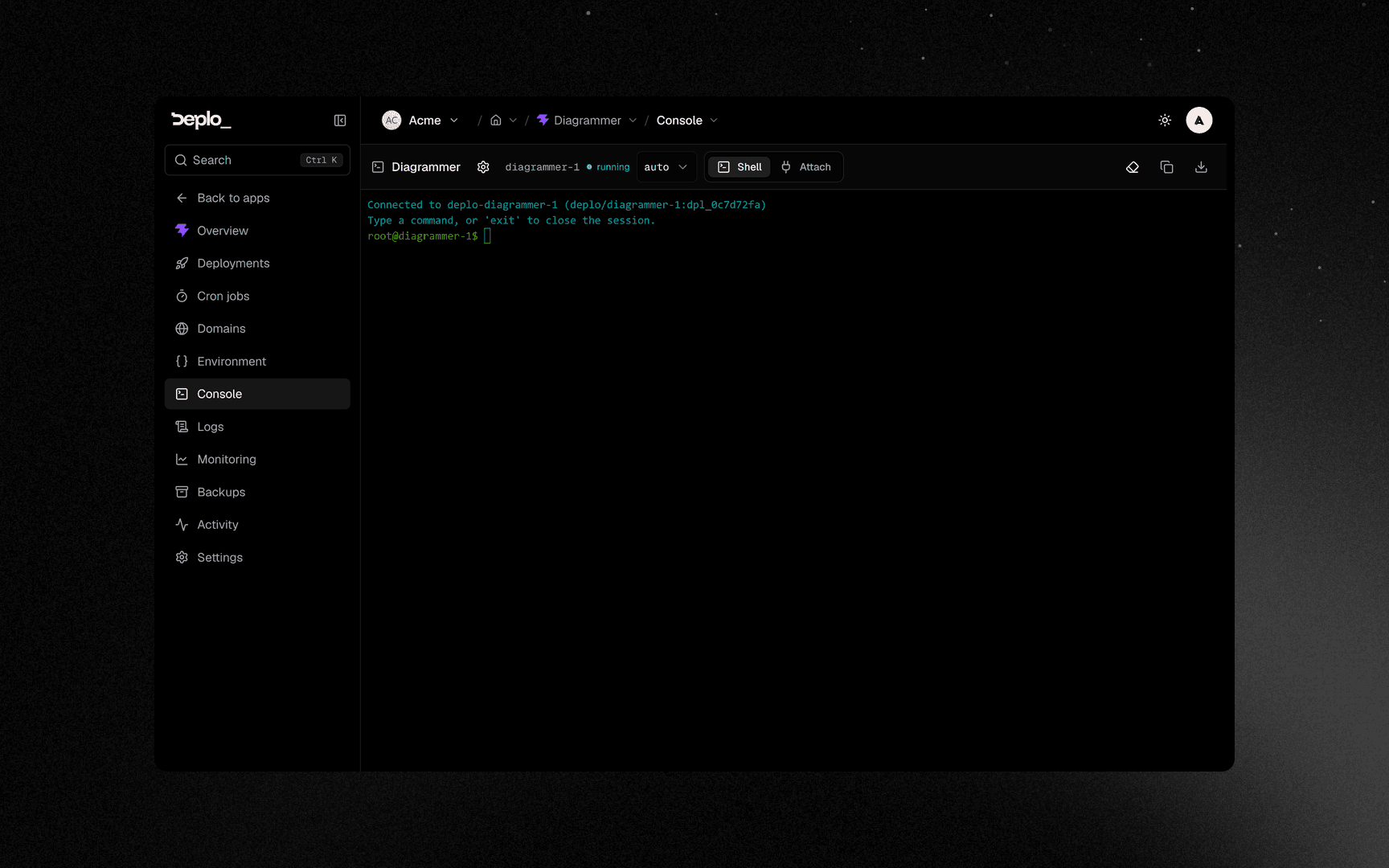
There are two tabs:
- Shell runs one
docker execper line you type. Each line is a separate process, socddoes not carry over to the next command, and interactive programs liketop,vim,lessorpsqldo not work. Use it forls,cat,envor a one-off script. - Attach connects to the main process's input and output. This is a real terminal, but only works for a container started with a TTY and an open stdin.
Open a console
The console is hidden until you acknowledge it once.
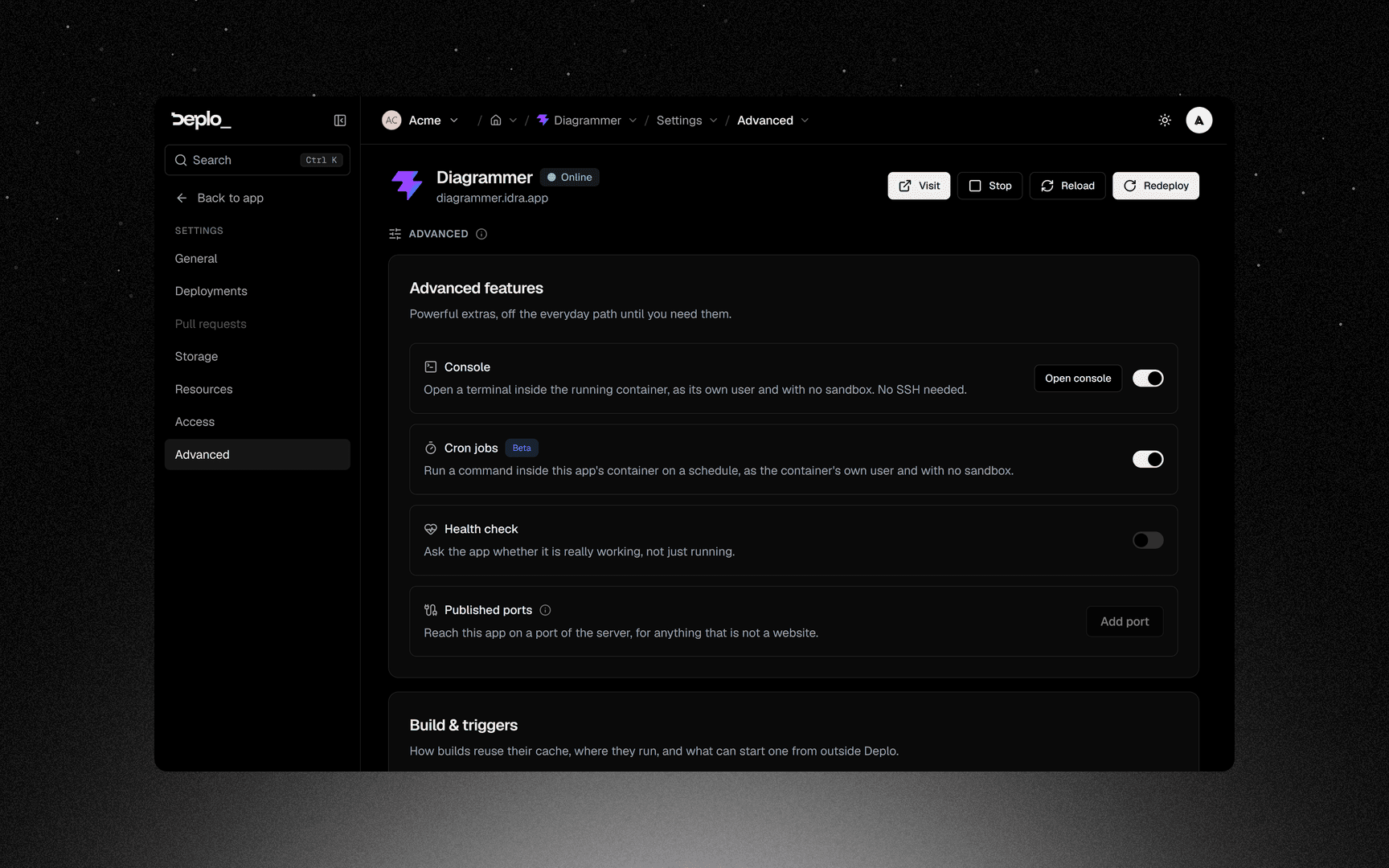
Acknowledge the warning
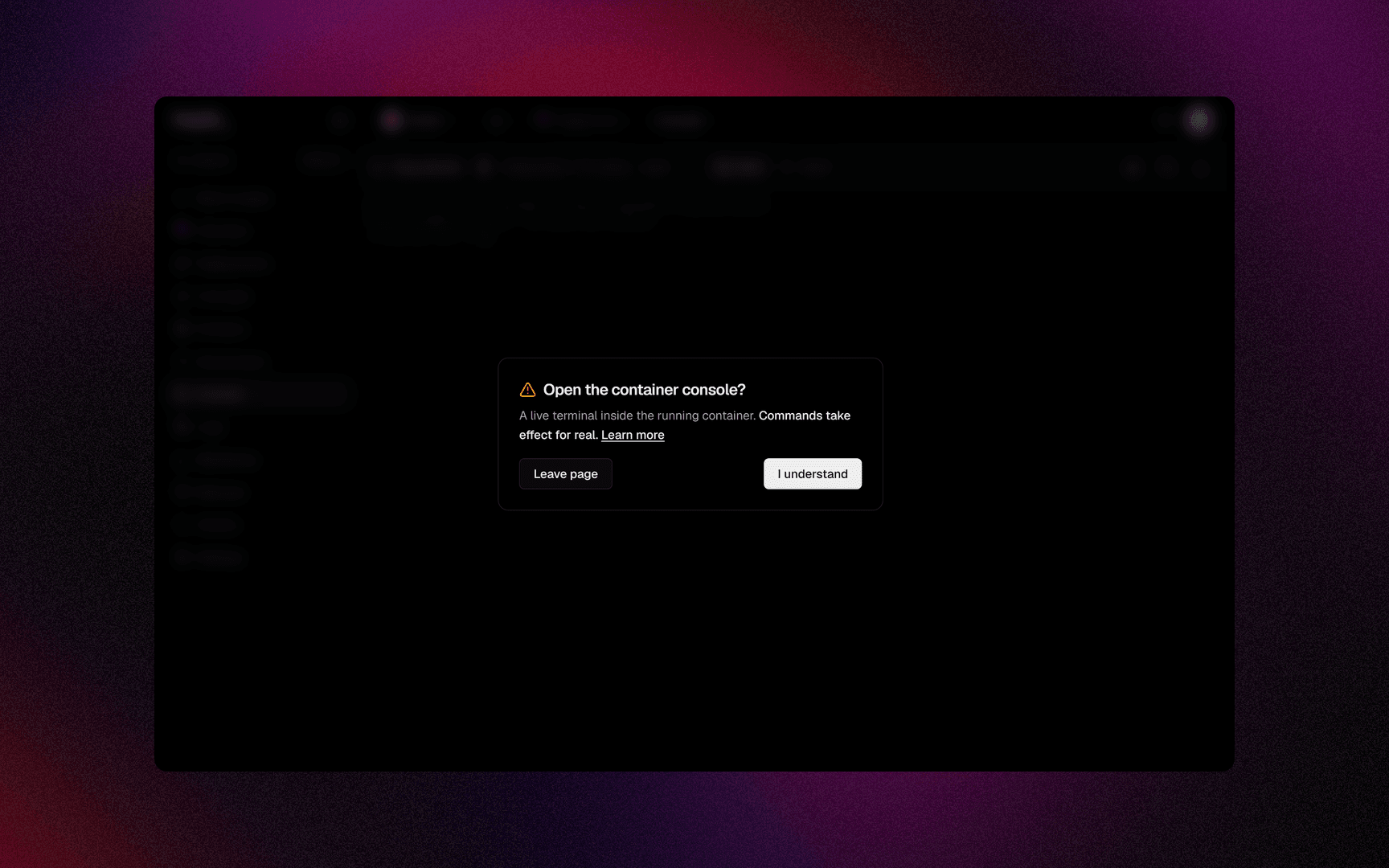
Read the warning and click I understand. From then on the sidebar shows a Console entry whenever a container is running. The acknowledgement is stored in this browser only, so another browser asks again.
Pick the container from the picker. Each row shows a running dot, the service
name, and an app badge on the one your domains route to. The prompt shows
the user as user@service$.
The Shell select offers auto, /bin/sh, /bin/bash and raw exec with no
shell. An image with no shell at all (distroless or scratch) says so. You can
still run a binary that exists in it.
Good to know
- Changes inside a container do not survive a redeploy. The container is recreated from the image. Keep changes in a volume or in your repository.
open_app_consoleandopen_database_consoleare separate, sensitive capabilities. A console runs any code as that container's user.- The console needs something running. A stopped app has no container to enter.
- This is not a way onto the host. You are inside a container. Reaching the server itself needs host access.
Troubleshooting
| Symptom | What to check |
|---|---|
| No Console entry in the sidebar | The acknowledgement has not been given in this browser, nothing is running, or you lack the capability. |
cd has no effect on the next command | Expected in the Shell tab: every line is a separate docker exec. Chain commands on one line with &&. |
top or vim draws nothing | Same reason. Use Attach, and only on a container started with a TTY. |
| Raw exec, no shell | A distroless or scratch image. Run a binary that exists in it. |
More in Servers and agents.
Next steps
Did this page help you?