
A deploy can start without anybody clicking: on a push, on a new tag, or when a script calls a URL. Which one you get depends on how the repository is connected.
A GitHub App delivers through one webhook created when you connected it. A GitLab, Bitbucket or Gitea connection gets a webhook on each repository it deploys. In both cases the provider calls Deplo, the signature is checked, and a push that passes the filters starts a deploy.
Deploy on push
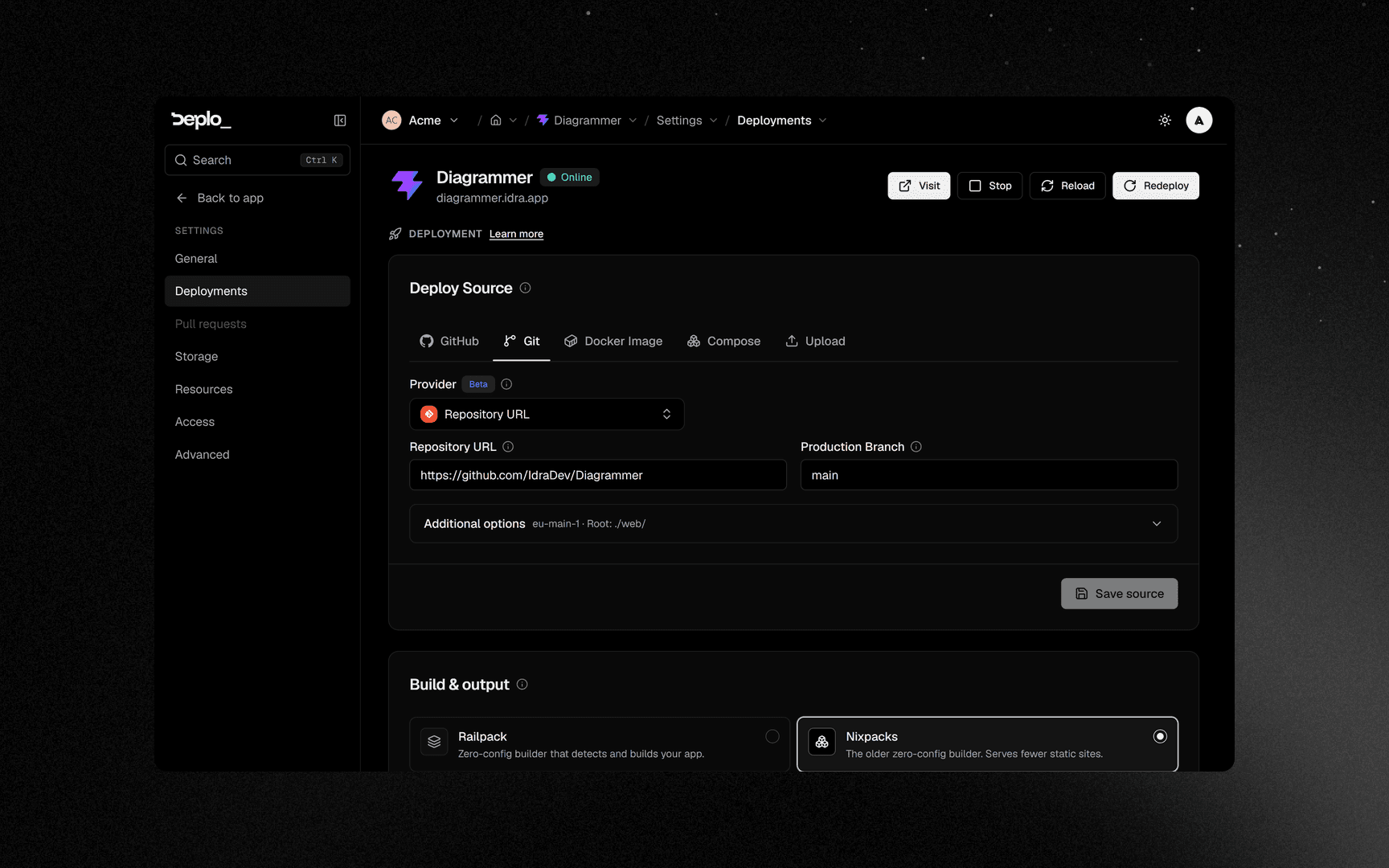
Turn it on
Open Settings -> Deployments and turn on Deploy on push.
Set the trigger
In the Trigger drawer, set Deploy trigger:
- On push to branch deploys when the branch changes. This is the default.
- On new tag deploys when a new tag appears. The branch is ignored.
Optional: submodules and watch paths
Include submodules also clones nested repositories. Watch paths (optional) takes one pattern per line and deploys only when the push changed a matching file:
apps/web/**
packages/ui/**
This is useful for a monorepo: each app rebuilds only when its own code changes. Skip unchanged deployments skips a push that changed nothing under the app's root directory.
Save
For a GitLab, Bitbucket or Gitea connection, this page shows the webhook status, so you can see if the provider reaches your instance. A GitHub App has no per-repository webhook, so nothing is shown.
The deploy hook
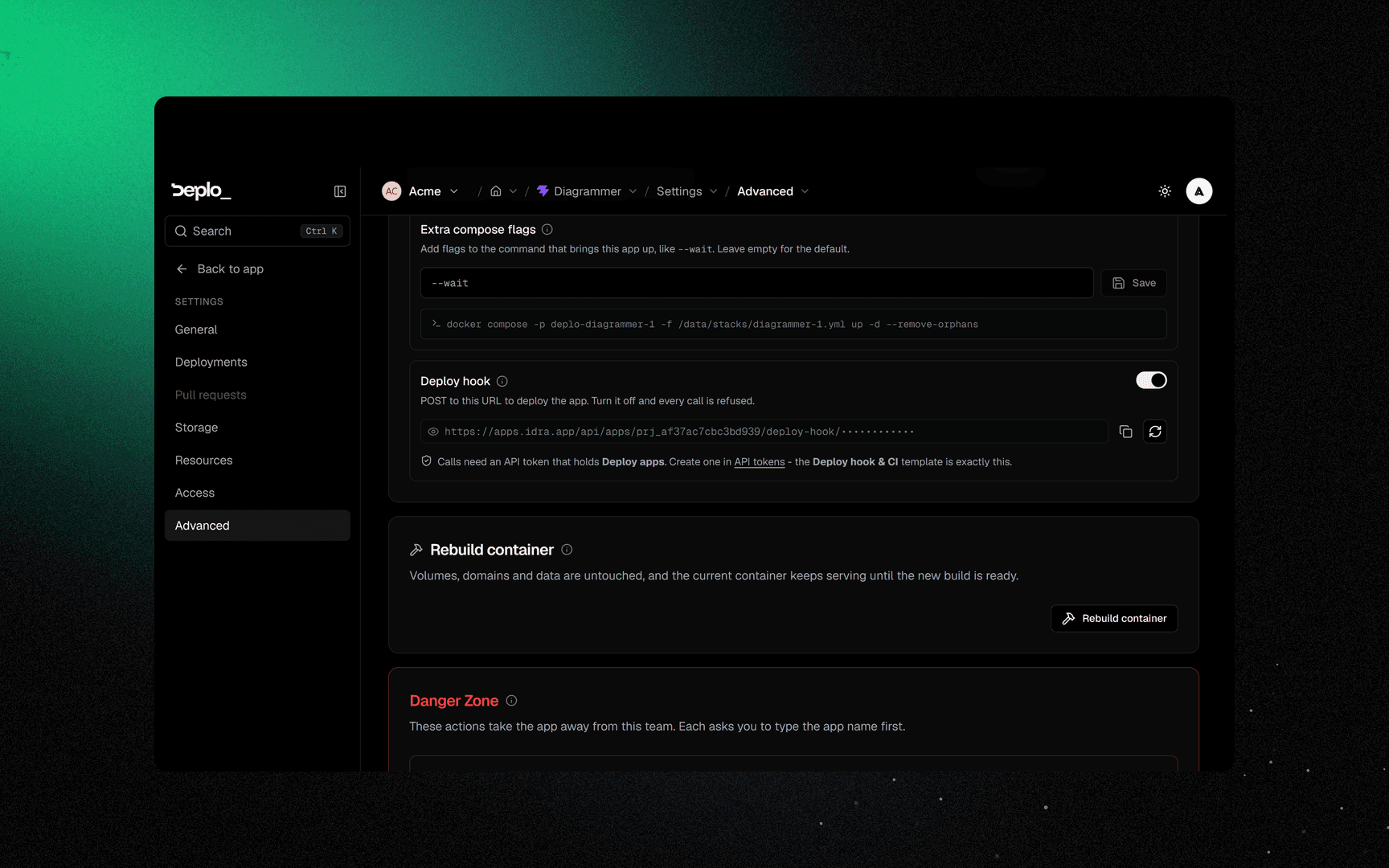
Settings -> Advanced, on the Build & triggers card. It is shown only for apps that do not deploy from a connected git provider.
Enable and copy it
Enable Deploy hook, click Reveal deploy hook URL, then Copy deploy hook URL.
Call it
curl -X POST \
  -H "Authorization: Bearer deplo_xxxxxxxxxxxxxxxxxxxx" \
  https://deplo.example.com/api/apps/prj_1a2b3c/deploy-hook/9f2c4d6e8a
The call needs two secrets. The last part of the URL says which app. The bearer token is a
normal API token that says who, and it must have
deploy_apps. For security reasons, a leaked URL alone cannot deploy.
Rotate URL creates a new URL and disables the old one. The switch next to it turns the hook off.
Good to know
- A plain Git URL cannot have a push webhook. Use the deploy hook.
- Watch paths never block a deploy by mistake. If a push carries no file list, which happens with some tag pushes, the deploy runs anyway.
- A manual redeploy ignores every filter. Watch paths and change detection apply only to automatic deploys.
- Turning off deploy on push keeps the webhook history on the provider's side.
- Two apps can watch the same repository on different branches or watch paths.
Troubleshooting
| Symptom | What to check |
|---|---|
| Pushes do nothing | For a non-GitHub connection, check the webhook status on Settings -> Deployments. A red state usually means the provider cannot reach this instance, so the panel address is wrong or not public. |
| Pushes to the wrong branch deploy | Check the branch under Deploy source. |
The deploy hook returns 401 | The bearer token is missing, wrong, expired or revoked. |
The deploy hook returns 403 | The token does not have deploy_apps, or the hook is turned off. |
The deploy hook returns 404 | The URL was rotated. |
The deploy hook returns 405 | You opened the URL in a browser. It accepts POST only, and the response shows a working curl example. |
More in Deploys and builds.
Next steps
Did this page help you?