
Build a role
Name a set of capabilities, tick the ones it needs, and every member holding it updates at once.
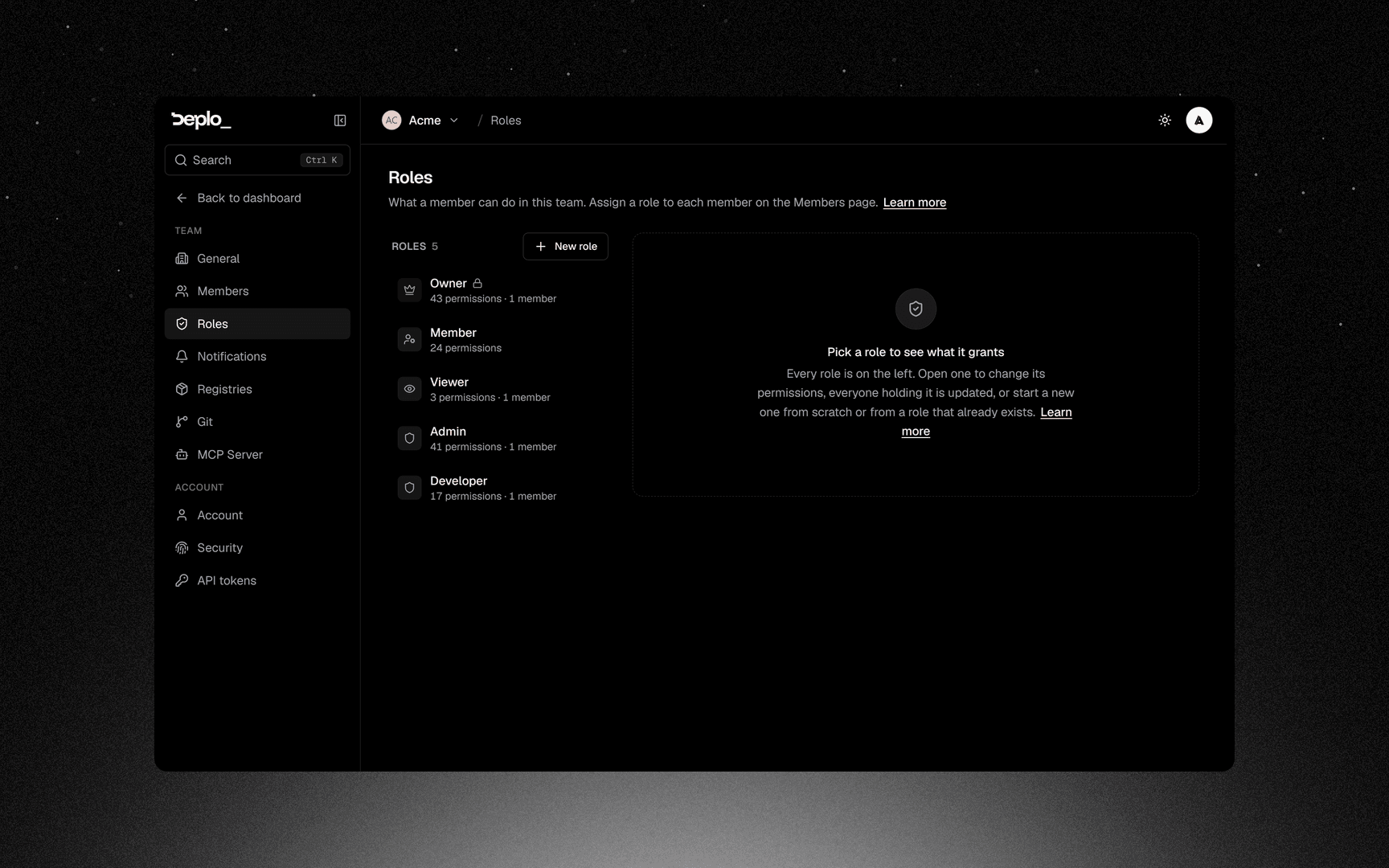
Start a new role
Click New role. Choose to start blank or from an existing role.
Name it
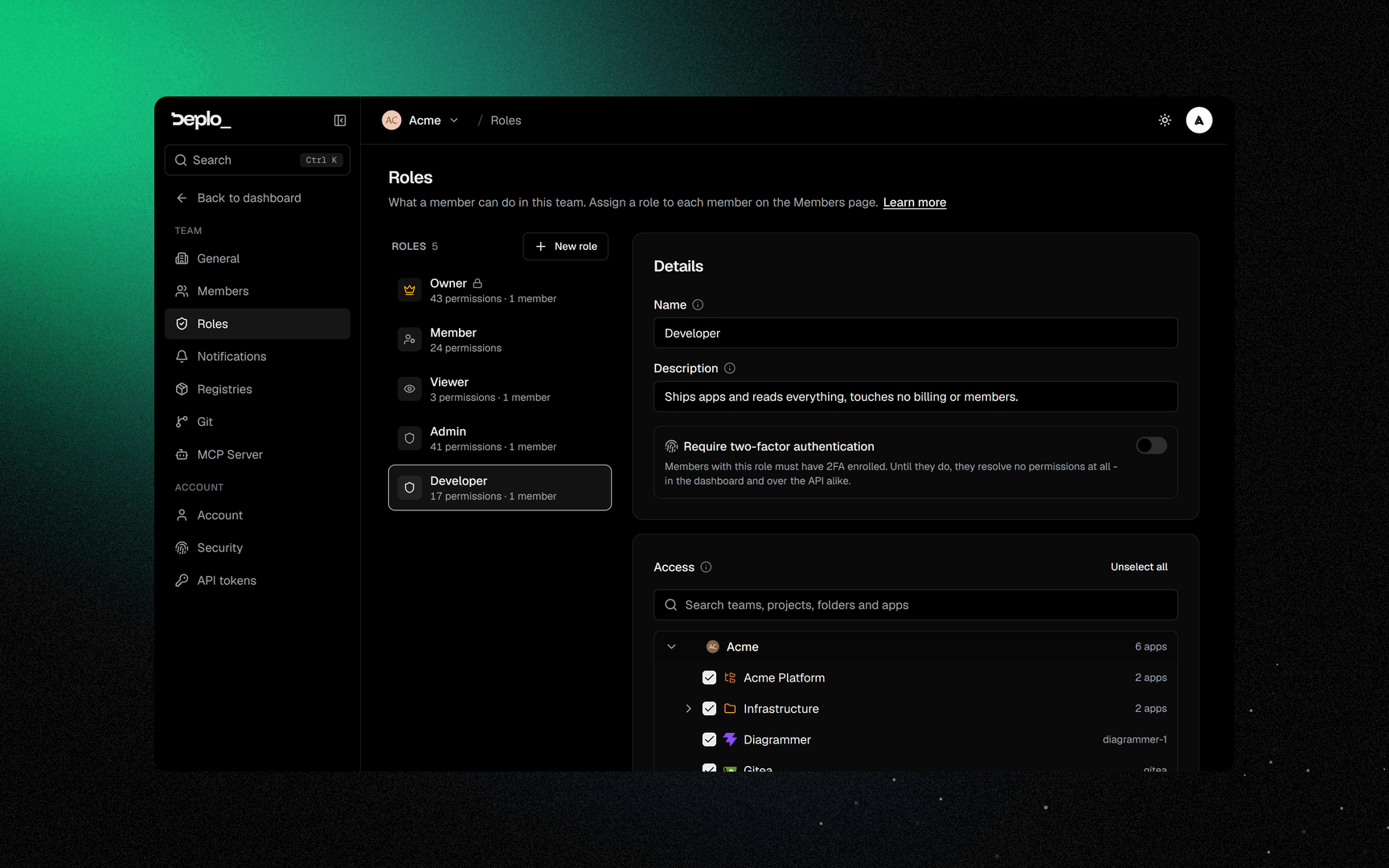
Give it a Name and a Description.
Tick capabilities
Use the search box or browse by category. Each category header has a Select all /
Unselect all toggle for the visible items. view is always ticked.
Check the sensitive ones
Capabilities marked Sensitive deserve a second look: deleting things, opening consoles, revealing secrets, managing tokens, managing roles.
Optionally require two-factor
Turn on Require two-factor authentication for this role if needed.
Save
Save.
Reset to default restores a built-in role. Delete role removes one you created.
You cannot grant what you do not have: those capabilities show as Out of reach.
Next steps
Did this page help you?