
Folder shares
Give somebody access to one folder: a grant that replaces the team role inside that folder.
A role applies to the whole team. A folder share applies inside one folder: it replaces the team role there, and it can give more than the role does.
For example, somebody with the Viewer role can deploy, configure and restart everything
inside Marketing, and nothing anywhere else.
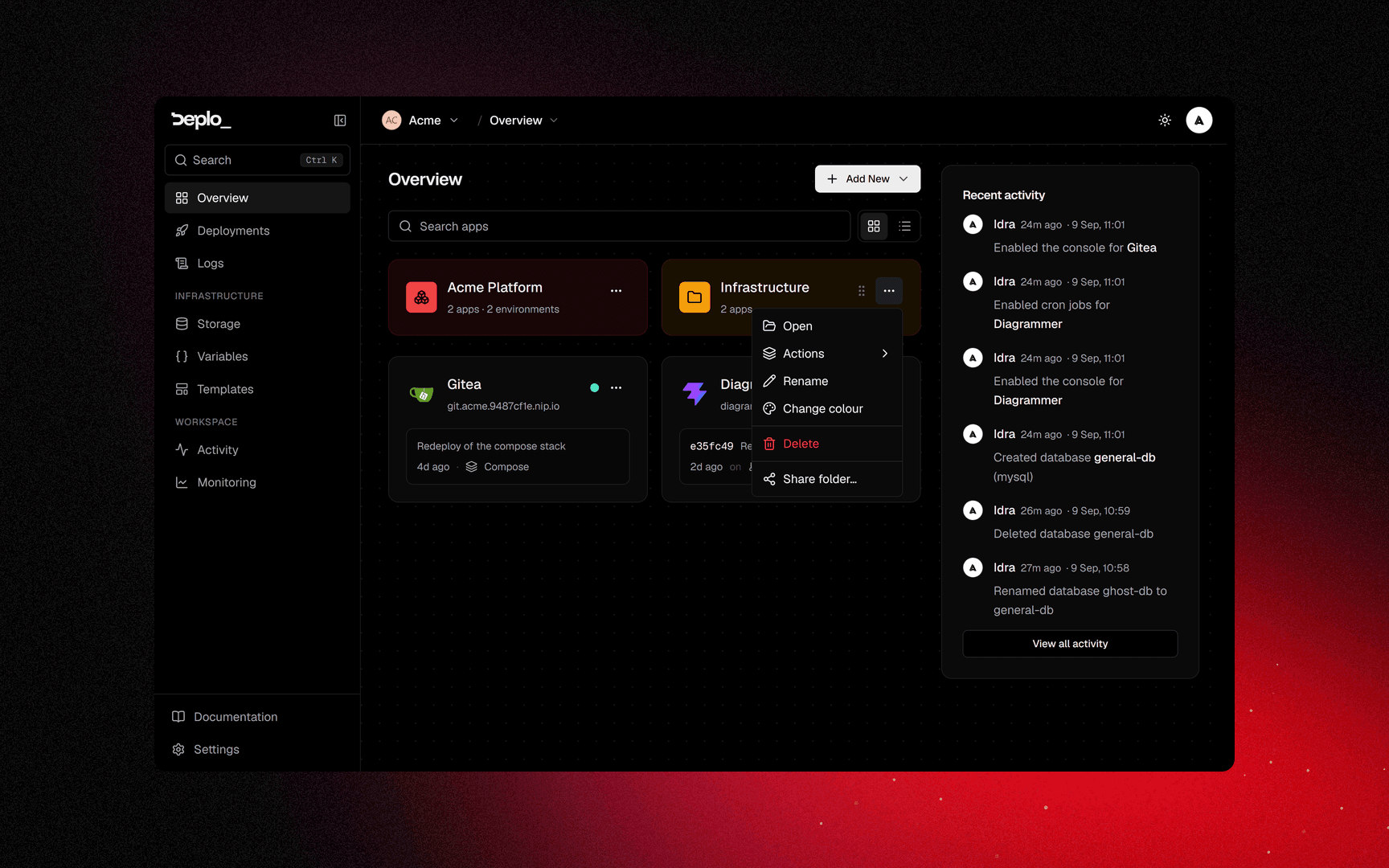
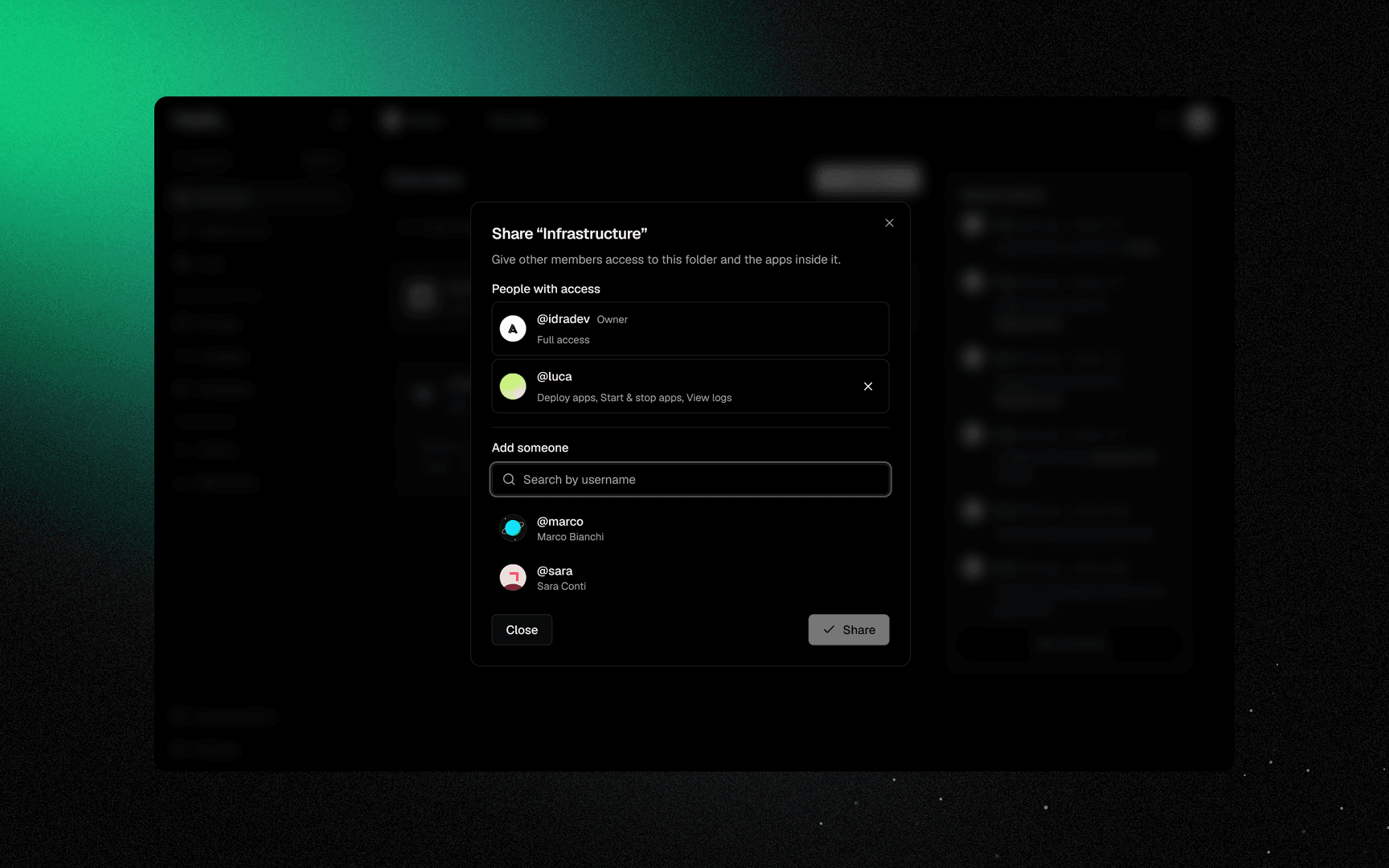
Choose the grant
Choose what they get inside this folder.
Change or close
Change edits an existing share, Close dismisses.
The most specific grant wins: a grant on an app beats one on its environment, which beats one on its folder, which beats one on the project, which beats the team role. Members with such grants show a Limited access badge on the members list.
Who can share a folder
Creating a folder needs the create_folders capability. Sharing one needs no capability: you
can share a folder you own, or any folder if you are a team or instance administrator. You can
only hand out what you have inside that folder yourself.
A folder is private
A folder is visible to its owner, the people it is shared with, and team administrators. An app moved into a folder disappears from everyone else's Overview until the folder is shared with them.
Removing a member revokes their shares. Folders they owned pass to the primary owner.
Next steps
Did this page help you?